Managed B2B Login vs SqlOS for One App
Auth0, WorkOS, Clerk, or SqlOS? A focused first-fork guide for a single .NET SaaS app that needs login, organizations, SSO later, and row-level authorization.
By Ross Slaney
The first auth decision for a B2B SaaS app is not "which identity platform is best?"
It is smaller:
Should I pay Auth0, WorkOS, or Clerk for login and organizations, or run SqlOS inside my one .NET app and own the data?
Both answers can be right. The mistake is comparing six vendors as if you are buying an enterprise identity platform when you are actually shipping one product.
The first fork for a B2B SaaS app
Managed identity products optimize for speed and outsourced operations. SqlOS optimizes for a .NET app that wants auth, orgs, SSO, and row-level authorization data under the same host and database.
Managed login
- Hosted UI
- Vendor org dashboard
- SSO and MAU pricing
Your product
- Org data model
- API authorization
- Customer data boundary
SqlOS
- Hosted AuthPage
- Orgs + invites in SQL Server
- FGA in EF queries
The relatable timeline
The first weekend is easy: add hosted login, get a callback, store a user ID.
Then the first B2B customer asks for an organization. The second asks for SAML. The third wants to invite contractors. Meanwhile, your API list endpoints are growing owner_id filters and if (!CanEdit) checks after queries. At some point you realize "auth" means login, orgs, sessions, SSO, and authorization over rows.
That is the fork.
What managed login products optimize for
Managed providers are strongest when speed and outsourced operations matter most.
Auth0 Organizations can be configured through the dashboard or Management API, with support for organization connections, invitations, member assignment, roles, and organization-aware token flows. Auth0 notes that availability varies by plan in its Organizations docs.
WorkOS AuthKit treats organizations as a first-class concept and pairs them with SSO, Directory Sync, Admin Portal, invitations, and now FGA. Its docs describe organizations as both customer-controlled user collections and collaboration workspaces: WorkOS users and organizations.
Clerk Organizations gives application teams organization roles, permissions, membership management, verified domains, and prebuilt UI components. Its roles and permissions docs also note production plan requirements: Clerk Organizations roles and permissions.
The managed path usually looks like this:
Browser app
  -> hosted login at vendor
  -> callback to your app
  -> vendor-issued session/JWT
  -> your API stores vendor user_id and org_id
That is an excellent first path when you want to outsource:
- hosted login UI
- credential security operations
- social login
- org membership screens
- enterprise SSO setup flows
- vendor-hosted admin surfaces
What SqlOS optimizes for
SqlOS optimizes for a different starting point:
I already run an ASP.NET API and SQL Server. I want auth, orgs, SSO, and resource authorization in that stack.
The setup is ordinary .NET:
builder.Services.AddDbContext<AppDbContext>(options =>
    options.UseSqlServer(
        builder.Configuration.GetConnectionString("DefaultConnection")));

builder.AddSqlOS<AppDbContext>(options =>
{
    options.UseSingleApplication("Acme Portal", app =>
    {
        app.Origin = "https://portal.acme.example";
        app.EnabledCredentialTypes = ["password", "email_otp"];
    });
});

var app = builder.Build();
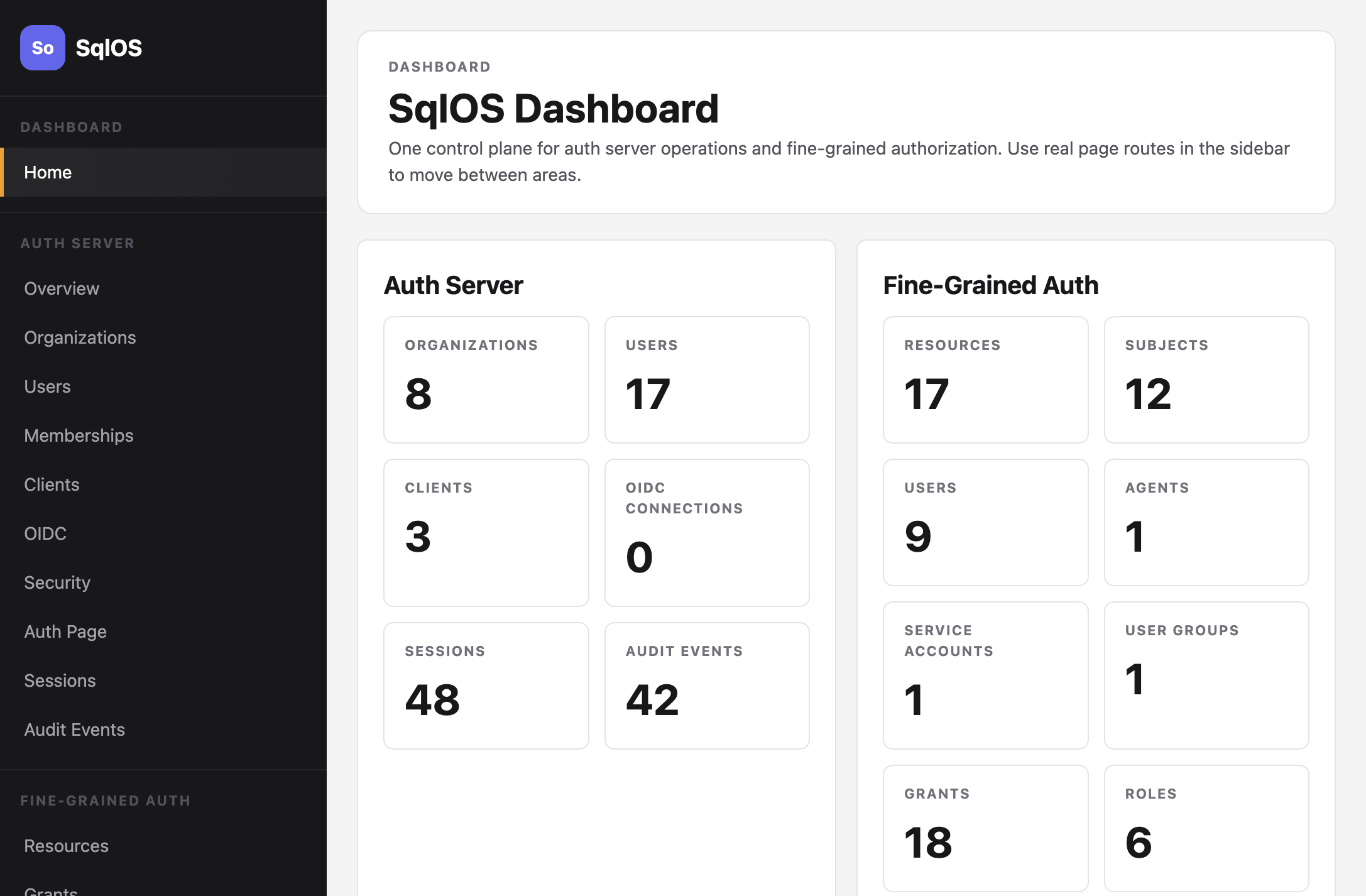
That mounts the SqlOS auth routes and dashboard inside your app. Users, organizations, clients, sessions, refresh tokens, SSO configuration, and FGA data live in SQL Server.
Compare only the first-app axes
| Question | Managed login | SqlOS |
|---|---|---|
| Fastest hosted login | Strong | Strong with hosted AuthPage |
| Own auth data in SQL Server | No | Yes |
| Organizations and invites | Yes | Yes |
| SSO later | Yes, usually paid or plan-gated | Yes, configured in your deployment |
| Resource-level authorization | Vendor product or custom app logic | SqlOS FGA in the same package |
| List filtering in EF | Usually custom | Authorized pages with ToPageAsync |
| Operations | Vendor operates auth service | You operate the ASP.NET host and SQL Server |
| Pricing shape | MAU, org, SSO, add-ons, or contracts | MIT plus infrastructure |
Do not turn this into a giant feature matrix. For one app, the deciding question is usually data boundary and authorization shape.
The authorization gap
Managed login solves identity. It does not automatically solve every row-level authorization problem in your API.
Clerk organization roles and permissions are useful for org-scoped features. Auth0 Organizations and WorkOS AuthKit can put org context into tokens. WorkOS FGA and Auth0 FGA can handle resource-level authorization as separate products.
But your API still has to answer:
var projects = await dbContext.Projects
    .Where(x => x.OrganizationId == orgId)
    .OrderBy(x => x.Name)
    .ToListAsync(cancellationToken);
Who should see which projects? What if a user is a workspace admin in one workspace and a viewer in another? What if a project inherits access from a parent?
With SqlOS, that becomes:
var page = await dbContext.Projects
    .Where(x => x.OrganizationId == orgId)
    .OrderBy(x => x.Name)
    .ToPageAsync(subjectId, "PROJECT_VIEW", pageSize: 20, cursor, cancellationToken);
The list comes back a page at a time, with page.NextCursor for the next one. Because Project indexes (Name, Id) and SqlOS keeps a copy of every index under every node of the resource tree, a caller who can see a few projects does not read the whole table to fill a page. A single project is a CheckAccessAsync call.
The login and authorization models are not separate vendors or separate services. They are one SqlOS runtime in your app.
Decision scenarios
Choose managed login when:
- you are a solo founder and want the least auth operations this month
- your app is mostly frontend and does not have deep SQL-backed authorization yet
- you already use Clerk, Auth0, or WorkOS and the bill is fine
- enterprise SSO setup and vendor-hosted admin flows are more important than data ownership
- you expect to integrate many identity features before building deep app authorization
Choose SqlOS when:
- you are building a .NET app on SQL Server
- customers care that auth data stays in your database or deployment
- you need SSO plus row-level authorization in the same app stack
- authorized EF list pages are a first-class requirement
- you do not want MAU pricing or per-org add-ons to shape your product model
Stay where you are when:
- you already built on a managed provider and it is working
- the migration would distract from product work
- your authorization needs are simple org-role checks in the token
- your support and enterprise workflows are already built around the vendor dashboard
What this series argues
For one .NET app, the SqlOS bet is:
- hosted AuthPage first
- organizations and invitations in SQL Server
- SAML/OIDC when customers ask for SSO
- sessions and refresh tokens in your database
- FGA resources and grants in the same stack
- EF list queries that only return authorized rows
That is not the right answer for every team. It is the right answer when your app is already a SQL-backed backend application and auth should be part of the product's data boundary, not a detached SaaS dependency.
Next reading: