FGA Dashboard
Browse resources, manage grants, and test access decisions.
The FGA section of the SqlOS dashboard lets you inspect the seeded authorization model, manage grants, and test access decisions.
Path: Fine-Grained Auth > Resources
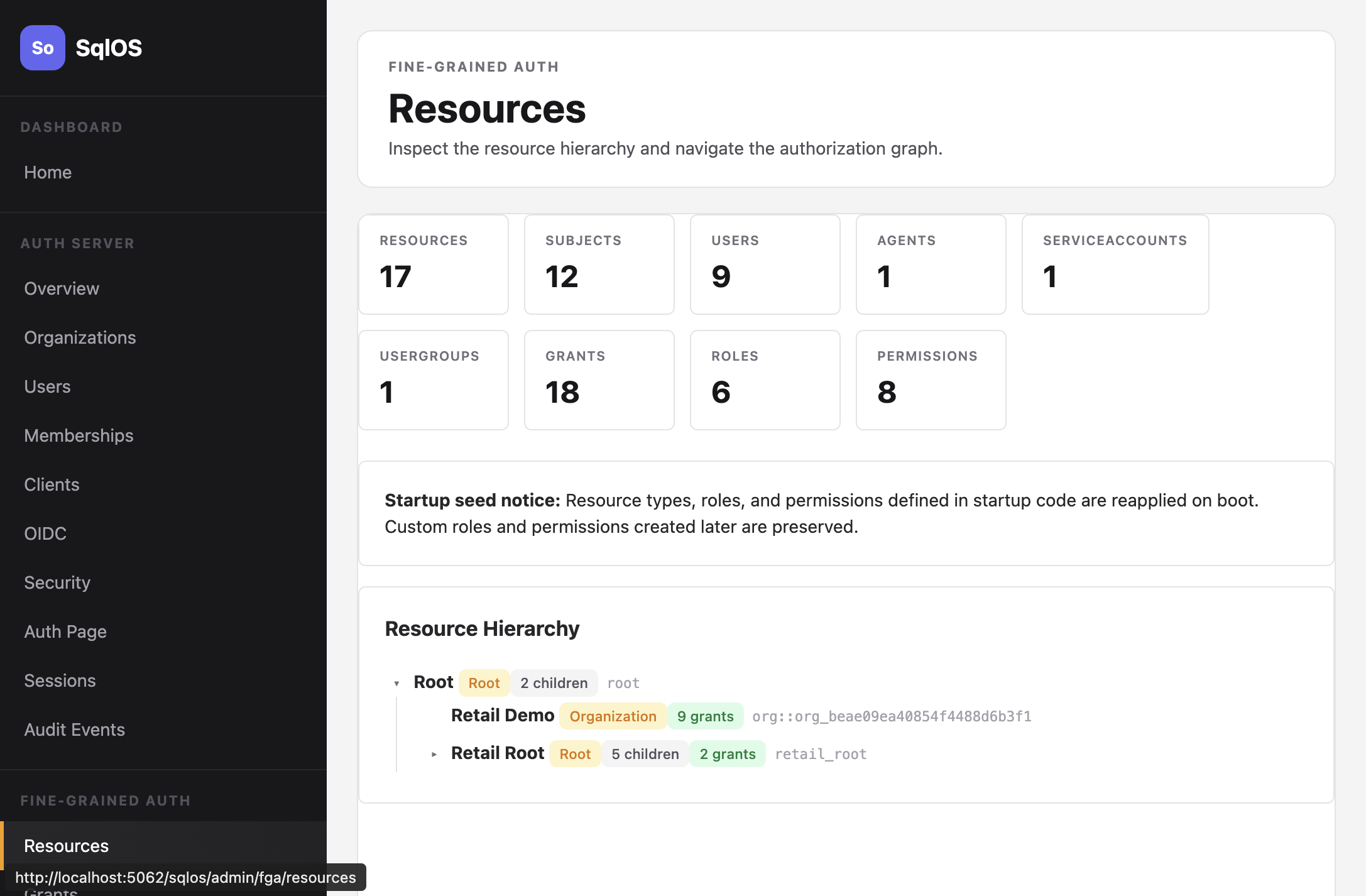
The first page is a bounded window of root resources. Expand a node to load its children, and use Load more when a level has another window. Access Tester and grant pickers search all resources by name or id; they do not load the tree.
Path: Fine-Grained Auth > Grants
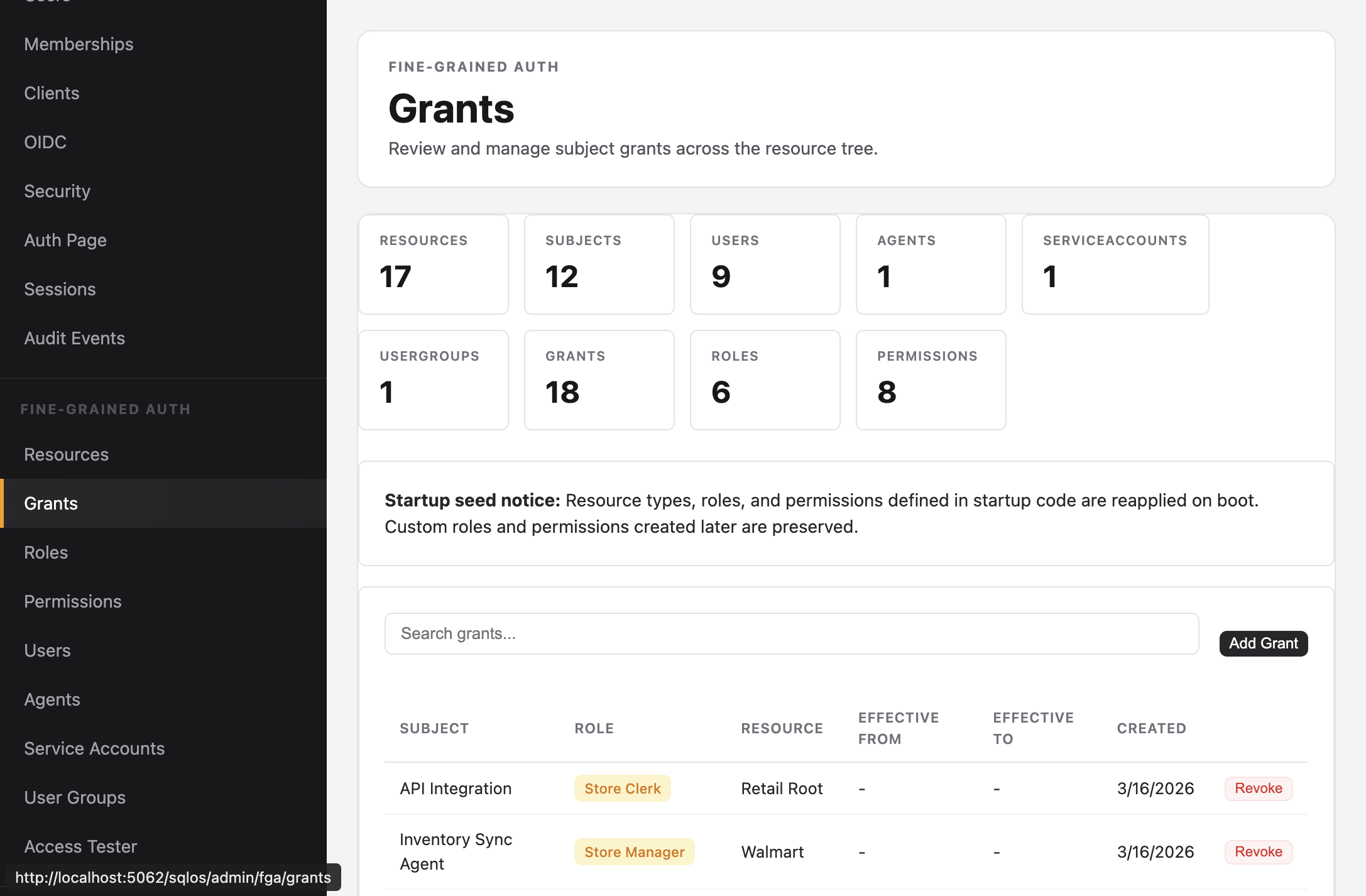
View all grants with subject, role, resource, and effective dates. Search and filter by subject or resource. Revoke grants directly.
Path: Fine-Grained Auth > Roles
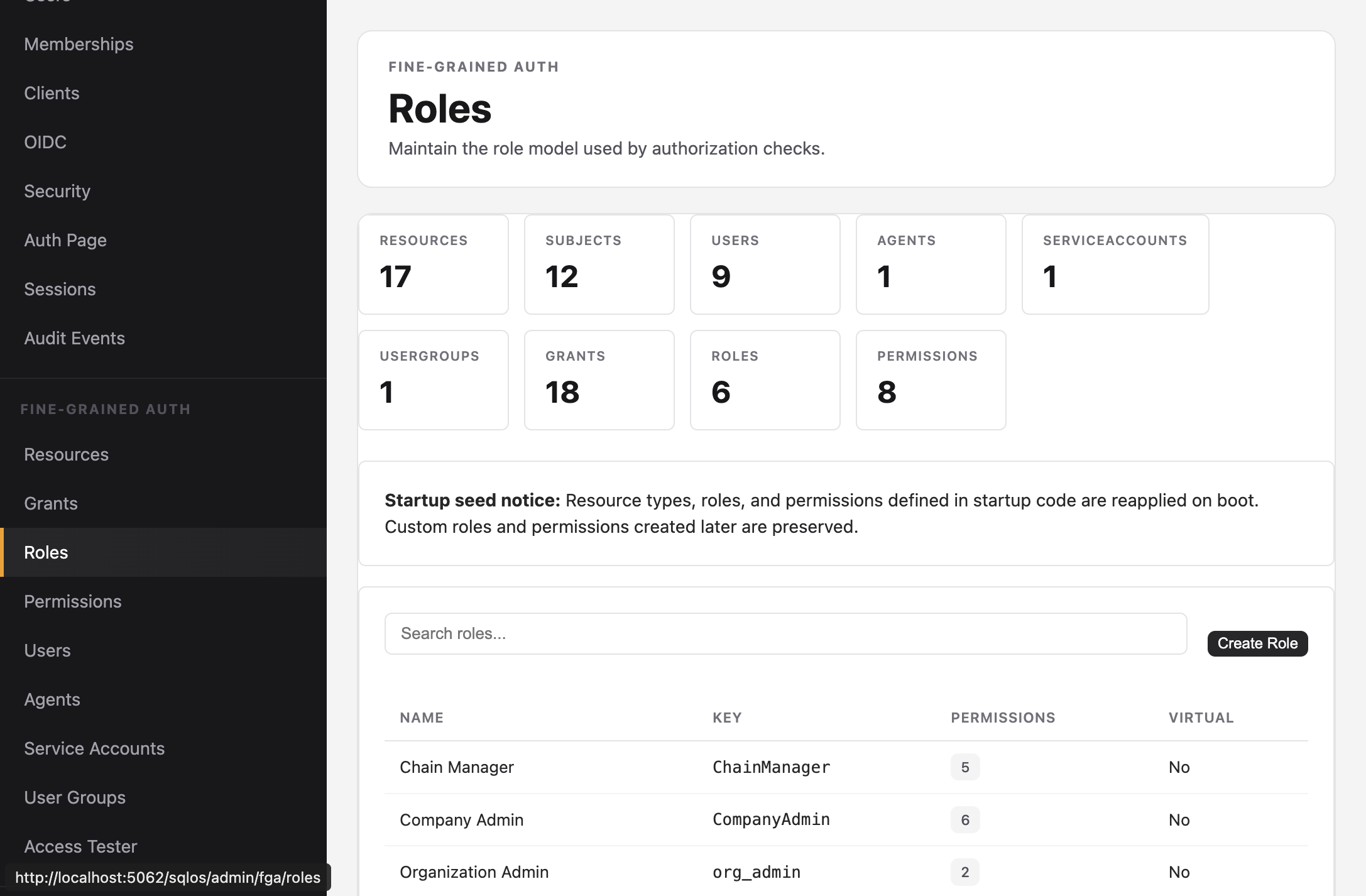
List all roles with their permission counts. The model is defined in startup code; this page is a viewer.
Path: Fine-Grained Auth > Access Tester
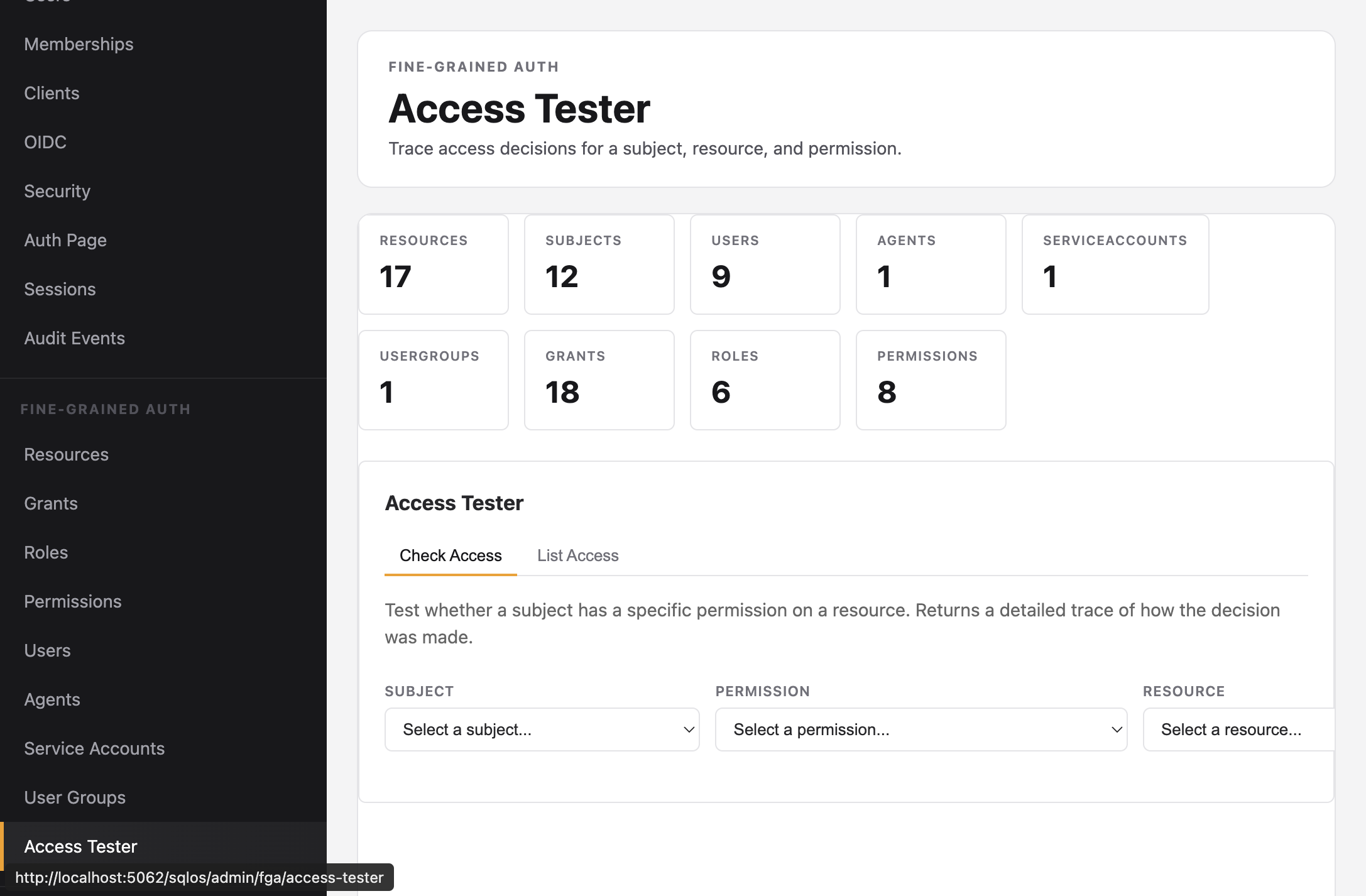
Test an access decision by selecting a subject, permission, and resource. The tester returns whether access is allowed and traces the decision path -- showing which grant on which ancestor resource provided the permission.
Two modes:
Every FGA page shows aggregate counts:
| Stat | Description |
|---|---|
| Resources | Total nodes in the hierarchy |
| Subjects | Total users, agents, service accounts, groups |
| Grants | Active role assignments |
| Roles | Defined role types |
| Permissions | Defined permission keys |