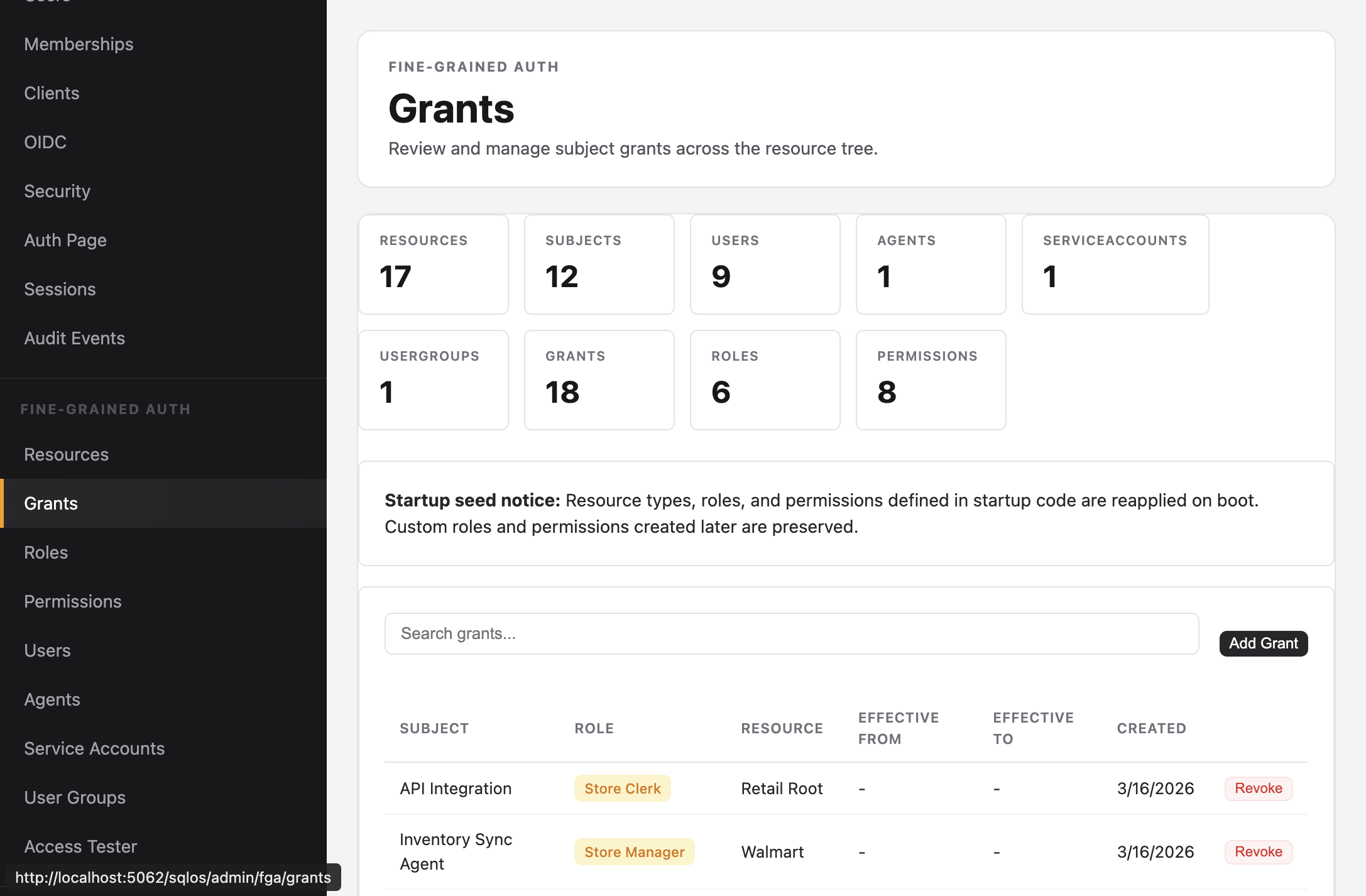
Grants
Assign roles to subjects on resources.
A grant links a subject, a role, and a resource. The subject gains all permissions from the role on that resource and every descendant.
To assign one role to a team and resolve it for every current member, follow Authorize teams with FGA groups.
Dashboard: Fine-Grained Auth > Grants
SDK:
await context.GrantRoleAsync(
    subjectId,
    "org::acme",
    "company_admin",
    ct);
await context.SaveChangesAsync(ct);
Admin API:
curl -X POST http://localhost:5062/sqlos/admin/fga/api/grants \
  -b "$SQLOS_DASHBOARD_COOKIE_JAR" \
  -H "Content-Type: application/json" \
  -d '{
    "subjectId": "usr_...",
    "roleId": "role_...",
    "resourceId": "org::acme"
}'Grants inherit downward through the resource tree:
org::acme              ← grant: jane / Company Admin
  ├── walmart          ← jane inherits CHAIN_VIEW, CHAIN_EDIT
  │   ├── store-001    ← jane inherits LOCATION_VIEW, LOCATION_EDIT
  │   └── store-002    ← jane inherits LOCATION_VIEW, LOCATION_EDIT
  └── target           ← jane inherits CHAIN_VIEW, CHAIN_EDIT
Grant at a higher level = broader access. Grant at a lower level = narrower access.
A Store Clerk granted on store-001 can only see that one store's inventory. A Company Admin granted on org::acme sees everything underneath.
Admin API:
curl -X DELETE http://localhost:5062/sqlos/admin/fga/api/grants/{grantId} \
  -b "$SQLOS_DASHBOARD_COOKIE_JAR"
The Admin API requires an operator session; see Authenticate operator API calls.
Grants support optional EffectiveFrom and EffectiveTo dates for temporary access:
new SqlOSFgaGrant
{
    SubjectId = contractorId,
    ResourceId = "store-001",
    RoleId = storeManagerRole.Id,
    EffectiveFrom = DateTime.UtcNow,
    EffectiveTo = DateTime.UtcNow.AddMonths(3)
}