Testing
Run unit tests, integration tests, and docs checks in the SqlOS repo.
You'll learn how to run the full test suite and focused filters while developing auth or FGA features.
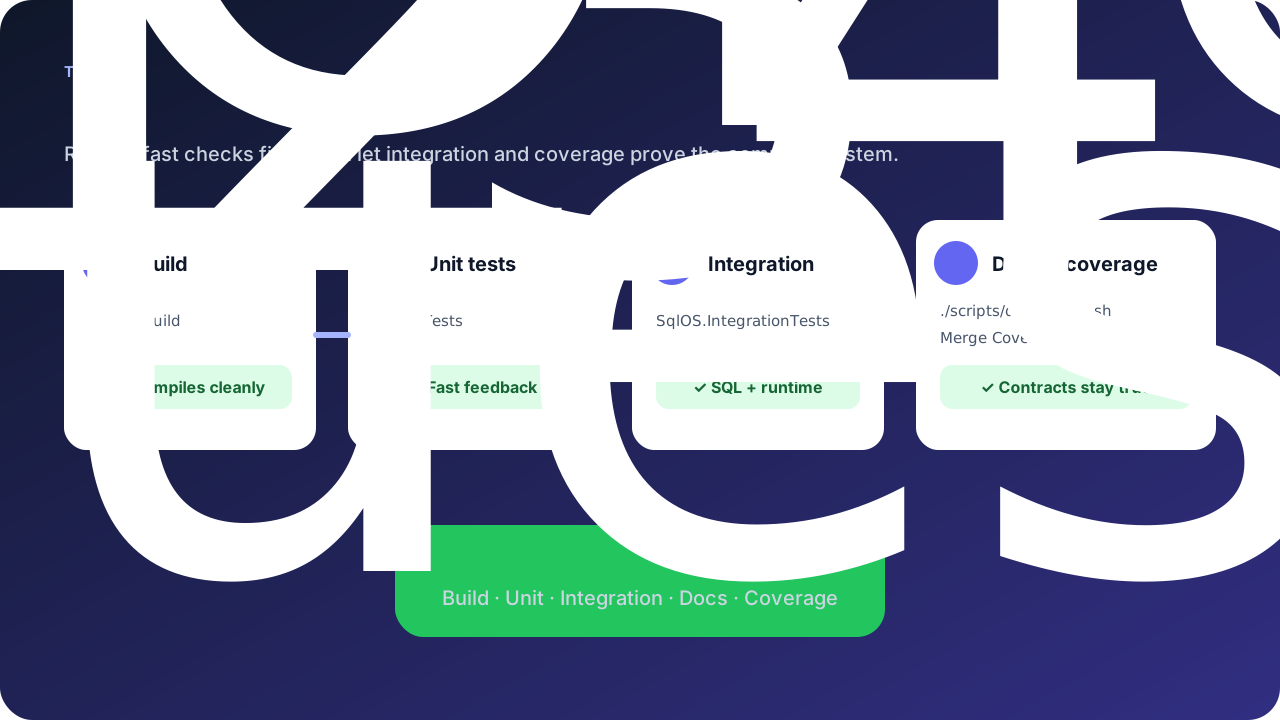
tests/SqlOS.Tests — unit teststests/SqlOS.IntegrationTests — real SQL Server or PostgreSQL (Aspire container; set SQLOS_TEST_PROVIDER=postgresql for Postgres)examples/SqlOS.Example.IntegrationTests — example API flowsexamples/SqlOS.Todo.IntegrationTests — Todo sample flowstests/SqlOS.Benchmarks — performance benchmarksdotnet build SqlOS.sln
./scripts/unit-tests.sh
./scripts/integration-tests.sh
./scripts/docs-check.shdocs-check.sh runs the website lint, production build, and link validation across repo and site docs.
Integration tests use Aspire and SQL Server or PostgreSQL containers for:
dotnet test tests/SqlOS.Tests/SqlOS.Tests.csproj --filter SqlOSInvitationServiceTests
dotnet test tests/SqlOS.Tests/SqlOS.Tests.csproj --filter RequestEmailOtpSignupAsync
dotnet test tests/SqlOS.IntegrationTests/SqlOS.IntegrationTests.csproj --filter AuthServerSigningKeyResilienceIntegrationTests
Coverage settings live in tests/coverlet.runsettings.
Administrative capabilities that support code-first configuration, programmable administration, and the dashboard use ControlPlaneParityHarness in tests/SqlOS.Tests/Infrastructure. The harness starts a production endpoint map on ASP.NET Core TestServer and provides three deliberate entry paths:
Add a focused parity case rather than copying a complete host fixture. Load a canonical projection containing stable, non-secret configuration; compare semantic values; and assert expected ownership differences (code versus dashboard) separately. Then invoke a runtime behavior such as OAuth authorization-request validation, provider discovery, SCIM bearer authentication, or effective policy resolution.
The representative suite covers OAuth clients, machine clients, upstream OIDC connections, inbound SCIM connections, and global MFA settings. It also checks invalid-input semantics, one-time secret reveal versus redacted reads, audit outcomes, dashboard JavaScript route/field drift, parallel isolation, and real SQL persistence across DbContext instances.
When adding a new administrative capability, use this checklist:
Run the focused suite with:
dotnet test tests/SqlOS.Tests/SqlOS.Tests.csproj --filter SqlOSControlPlaneParityTests
dotnet test tests/SqlOS.IntegrationTests/SqlOS.IntegrationTests.csproj --filter ControlPlaneParityPersistenceIntegrationTests