Run the Todo sample
Prove hosted login, an ASP.NET Core session, token validation, and authorized EF queries in one local stack.
Create an account through the SqlOS hosted AuthPage, return to a secure ASP.NET Core cookie session, call a protected API, and inspect the corresponding SqlOS session. The companion Todo browser UI also demonstrates FGA-filtered EF Core data.
5080, 5090, 18890, and 18891 available (plus 1435 when you opt into SQL Server).This quickstart uses the repository source; use the PR branch until the new hosting API release is published. The Todo host uses ConfigureApplication and explicitly registers the Razor Pages, hosted-demo, CLI, and broker clients. Local password authentication is the default, so the first run does not require Azure Communication Services, Twilio, or an OIDC provider.
From the repository root:
dotnet run --project examples/SqlOS.Todo.AppHost/SqlOS.Todo.AppHost.csprojUse the authenticated Aspire dashboard URL printed in the terminal. Its configured listener is:
https://localhost:18890Wait for the database to become healthy and for todo-api and aspnet-web to show Running. Aspire keeps the logs and resource endpoints together, which is the fastest place to diagnose a failed first start.
The AppHost uses a persistent PostgreSQL container by default and passes the database connection string to the API, which calls UseNpgsql. Set SqlOS:DatabaseProvider=SqlServer to start SQL Server on port 1435 instead. SqlOS initializes its schema, automatically protected signing key, OAuth clients, and FGA seed data when todo-api starts. The Playwright suite in examples/SqlOS.Todo.E2eTests boots the same host on alternate ports with ephemeral Postgres.
http://localhost:5090.200 response from GET /api/me.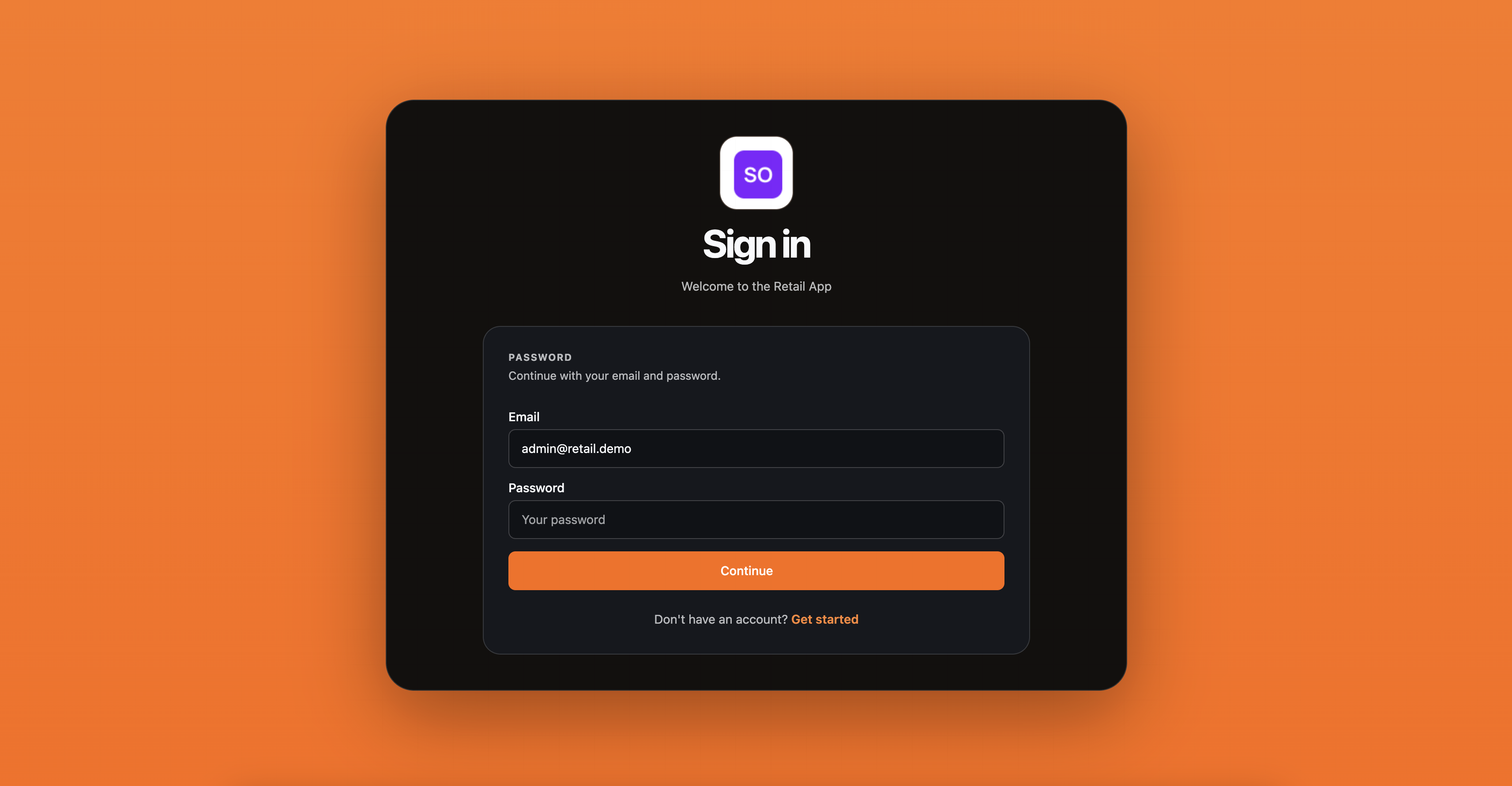
That proves the complete chain: ASP.NET Core challenge and PKCE, SqlOS hosted login, authorization-code exchange, application cookie, exact-audience bearer validation, and revoking logout.
Open http://localhost:5080 for the companion protocol playground (CIMD, DCR, headless, and resource metadata). Hosted browser login belongs in the Razor Pages client at http://localhost:5090 or the Next.js Auth.js example at http://localhost:3010, not another hand-rolled PKCE helper. After you have an access token, the Todo UI stores each item as an FGA resource and filters the EF Core list query for the current subject.
Open http://localhost:5080/sqlos/admin/fga/resources to inspect the tenant and Todo resource tree. The same dashboard exposes grants, roles, permissions, sessions, applications, and the Access Tester.
| URL | What it proves |
|---|---|
Authenticated URL printed by Aspire (https://localhost:18890) | Aspire health, endpoints, logs, and traces for the Todo stack |
http://localhost:5090 | Razor Pages client with framework-owned PKCE and cookie session |
http://localhost:5080 | Todo API, dashboard, and protocol playground |
http://localhost:5080/sample/config | Issuer, audience, clients, scopes, and optional feature flags |
http://localhost:5080/sqlos/auth/.well-known/oauth-authorization-server | OAuth server metadata |
http://localhost:5080/.well-known/oauth-protected-resource | Protected-resource metadata |
http://localhost:5080/swagger | Sample API operations |
http://localhost:5080/sqlos | Embedded SqlOS dashboard |
The stack contains two first-party browser clients for different learning goals:
| Client | Callback | Purpose |
|---|---|---|
example-aspnet | http://localhost:5090/signin-sqlos | Server-rendered .NET login, application cookie, /api/me, and revocation |
todo-web | http://localhost:5080/callback.html (seeded; vanilla JS no longer exchanges the code) | Protocol playground and FGA-filtered Todo API |
Both clients are public, require PKCE, and receive access tokens for http://localhost:5080/api/todos.
The API also contains CLI device flow, CIMD, DCR, email OTP, and SMS OTP examples. Those are optional paths, not prerequisites for the provider-free password flow.
Confirm Docker is running. The demo keeps a persistent data volume; if a previous run stored a different generated password, remove the Aspire Postgres volume and start again. For SQL Server (SqlOS:DatabaseProvider=SqlServer), confirm port 1435 is free. On Apple silicon, the SQL Server image runs through the platform setting in the AppHost and may take longer on first start.
Trust the local development certificate with dotnet dev-certs https --trust, or use the dashboard URL printed by the AppHost process and accept the local browser warning deliberately.
Stop the conflicting process before restarting. The issuer, audience, and callbacks use these documented origins; changing only one port produces an issuer, audience, or redirect mismatch.
Start the challenge at http://localhost:5090 rather than opening a hosted-auth URL directly. The seeded callback must remain exactly TodoSample:AspNetRedirectUri (default http://localhost:5090/signin-sqlos).
The AppHost uses a persistent data volume. If you previously ran an older schema or seed model, let current startup migrations finish. Use a clean development volume only when intentionally discarding obsolete local data.
That is expected in the provider-free default. Password signup is enabled when no OTP provider is selected. Configure email OTP only if you want to evaluate delivery; see Todo sample details.
The Todo project is an evaluation sample, not a production deployment template. In production:
CookieSecurePolicy.Always and persist Data Protection keys across replicas;/sqlos and /sqlos/admin/* with a private network, VPN, identity-aware proxy, or equivalent admin control while keeping /sqlos/auth/* reachable by users;