Run the full example stack
Explore the broad SqlOS surface across ASP.NET Core, Next.js, Angular, and the Todo sample.
Compare hosted and headless auth, organization workflows, SSO, sessions, audit logs, and FGA across several clients without assembling the stack yourself. The retail host uses ConfigureApplication with Brand, Headless, and Authorization, plus separate Next.js, Angular, and Expo client registrations. The Todo host uses the same API for its separate client set.
1434, 3010, 4200, 5062, 5080, 5090, 18888, and 18889 available.If you only want to see the normal hosted-login path, use Run the Todo sample. The full stack intentionally contains advanced surfaces.
From the repository root:
./scripts/setup-js-examples.shdotnet run --project examples/SqlOS.Example.AppHost/SqlOS.Example.AppHost.csprojUse the authenticated Aspire dashboard URL printed in the terminal (its configured listener is https://localhost:18888), wait for SQL Server to become healthy, and confirm api, todo-api, aspnet-web, web, and angular-web show Running.
| URL | Application |
|---|---|
Authenticated URL printed by Aspire (https://localhost:18888) | Aspire resources, endpoints, logs, and traces |
http://localhost:5090 | Razor Pages login client backed by the Todo SqlOS host |
http://localhost:3010 | Next.js example client |
http://localhost:4200 | Angular example client |
http://localhost:5062/swagger | Example .NET API |
http://localhost:5062/sqlos | Example-stack SqlOS dashboard |
http://localhost:5080 | Narrow Todo sample |
The AppHost creates separate sqlos-example and sqlos-todo databases in one persistent local SQL Server container. The examples do not share identity or authorization rows accidentally.
Avoid testing everything at once. Choose the flow that answers your current question:
http://localhost:5090./api/me response, then sign out and revoke the session.The example-aspnet client uses the Todo issuer at http://localhost:5080/sqlos/auth, not the broader Example API at port 5062. This keeps the runnable .NET login identical in both AppHosts.
/api/auth/callback/sqlos.Use the headless route in the Next.js example to compare app-owned screens with the same SqlOS request, credential, organization-selection, and token state machine.
Open the dashboard, then inspect users, organizations, memberships, invitations, sessions, applications, and audit events. Create an invitation if email delivery is configured, or copy its acceptance link for a local flow.
Use the Retail/workspace surfaces to create protected data, then inspect resources, grants, roles, permissions, and the Access Tester in the FGA dashboard.
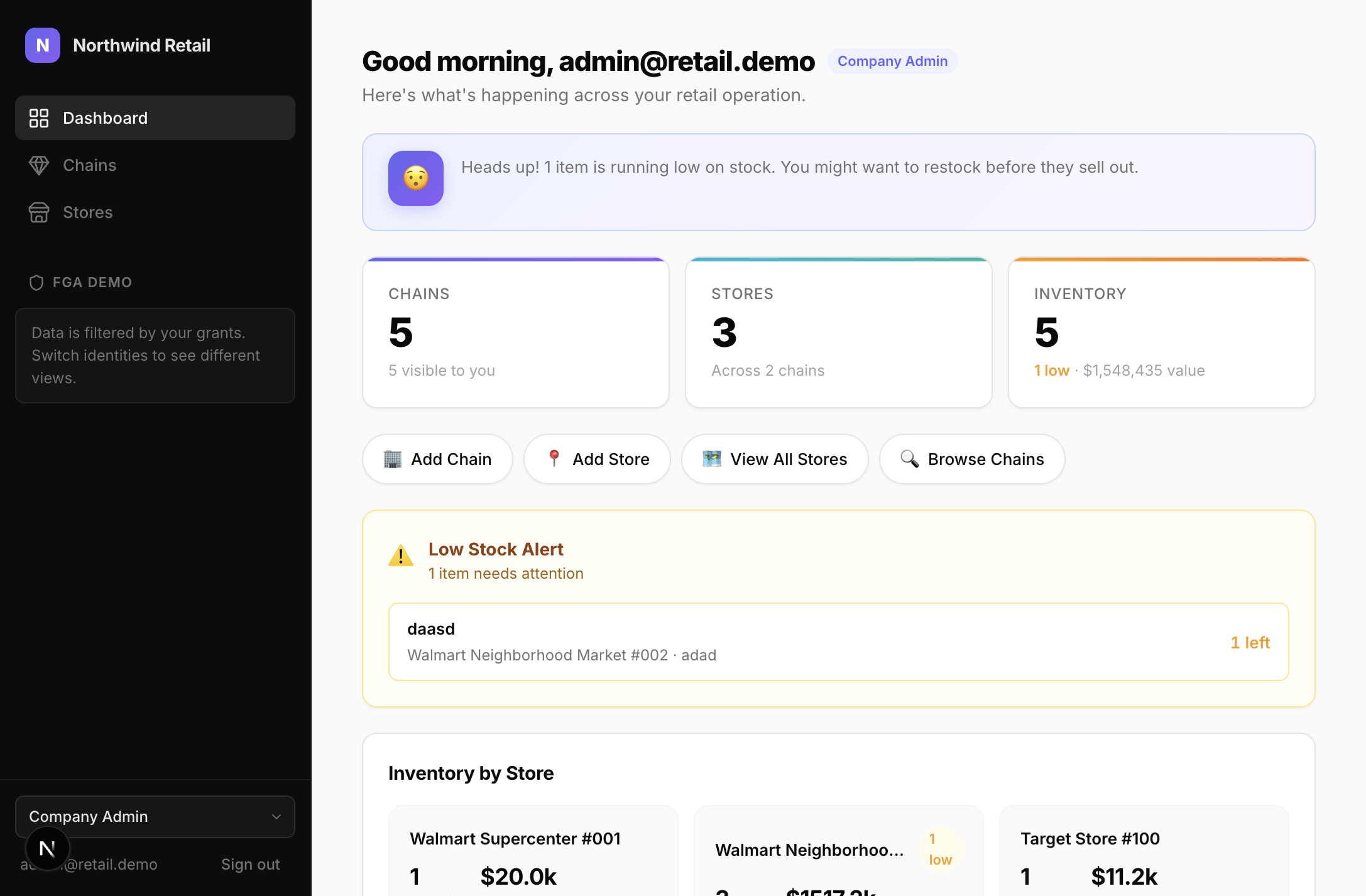
Configure social login or a SAML connection only when you have provider credentials. The stack runs without them. The delegated SSO example at http://localhost:3010/retail/sso demonstrates how a host application can create a customer-scoped setup session.
Provider-backed features are disabled until configured. Store local values on the AppHost project rather than committing them:
dotnet user-secrets --project examples/SqlOS.Example.AppHost set \
  "SqlOS:Oidc:Microsoft:ClientId" "<client-id>"

dotnet user-secrets --project examples/SqlOS.Example.AppHost set \
  "SqlOS:Oidc:Microsoft:ClientSecret" "<client-secret>"
Email OTP, SMS OTP, transactional email, and calendar consent likewise require their documented provider settings. They are optional extensions, not startup requirements.
Install that frontend's npm dependencies from the repository root, then restart the AppHost. The AppHost runs the existing dev scripts; it does not replace npm install.
Stop the conflicting local process. The seeded issuer, audience, and callback URLs use the documented local ports, so changing only one endpoint will cause issuer, audience, or redirect mismatches. Port 18889 is also used by the Aspire OTLP endpoint.
The AppHost uses a persistent data volume. Preserve it when the data matters; use a clean development volume when intentionally resetting an obsolete local schema or seed model.
The corresponding OIDC/social connection is enabled only when its credentials are present or it has been configured in the dashboard.
This stack demonstrates integration boundaries; it is not a production topology recommendation. A production app should choose only the required clients, use HTTPS origins, persist secrets and Data Protection keys correctly, restrict admin routes, and test its own organization and authorization rules.