Hosted vs Headless
Choose between hosted and headless auth UI.
SqlOS runs OAuth. You choose who draws the login screens.
The default. SqlOS renders the sign-in, sign-up, invite acceptance, OTP, CLI device approval, and organization selection pages.
Choose hosted when:
What you get:
Downside: Less control over how the popup looks.
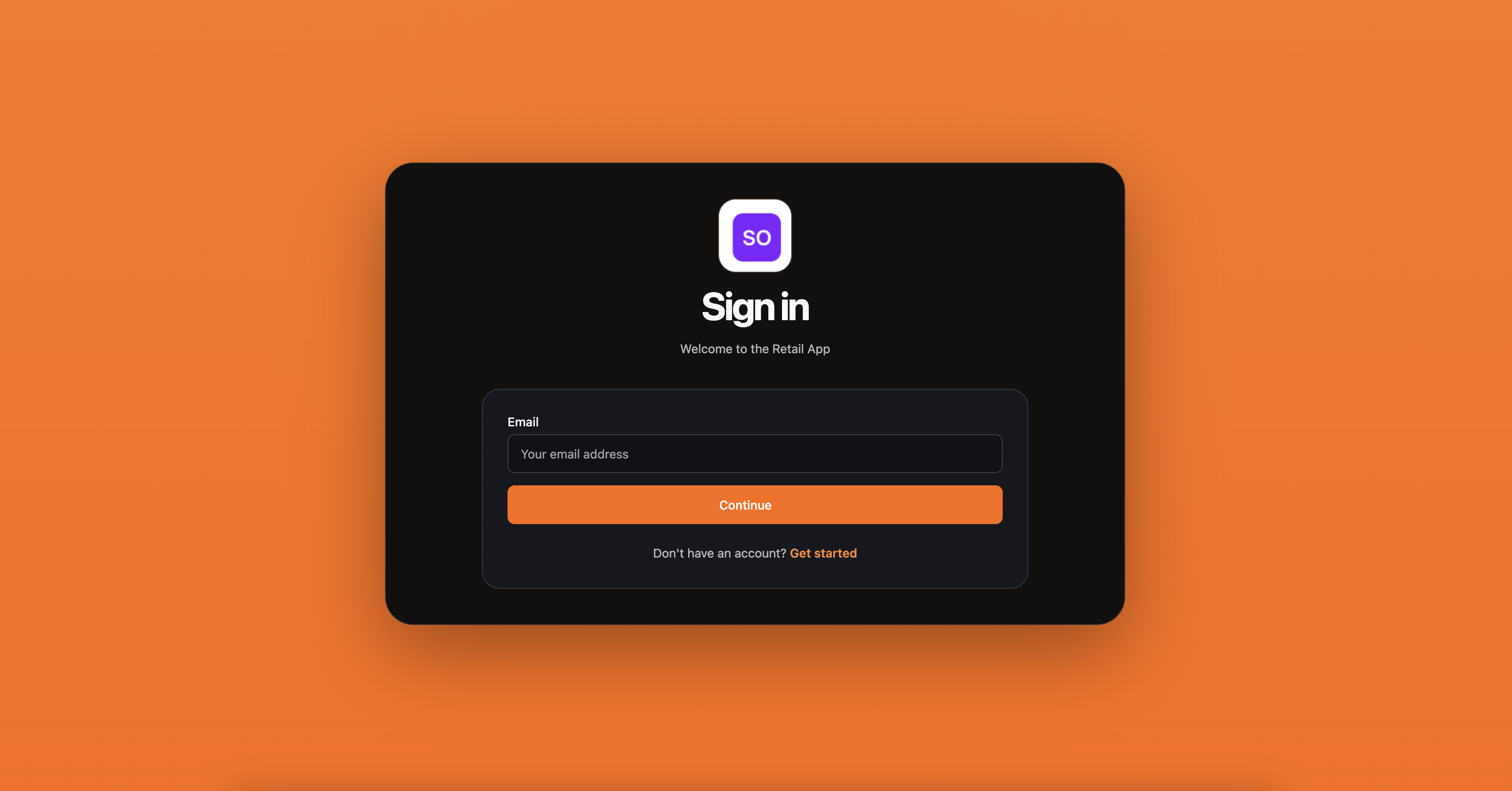
Hosted AuthPage forms are protected automatically. Every state-changing form gets a cryptographic ASP.NET Core Data Protection token bound to an HttpOnly, auth-path-scoped browser cookie. Tokens expire after 15 minutes, the cookie uses SameSite=Strict, and SqlOS also rejects a supplied Origin or Referer that does not match the configured public origin or issuer. Opaque Origin: null is rejected — sandboxed iframes send that value on purpose, so it is not treated as a missing header. Hosted pages use Referrer-Policy: same-origin so a real same-origin form post sends a concrete Origin instead of null. When Origin and Referer are both absent, a present Sec-Fetch-Site must be same-origin. The token service is isolated from the host application's MVC/Razor antiforgery configuration, and there is no middleware or option for the consuming application to add.
SameSite is defense in depth, not the proof by itself: a cross-site form can establish a new login cookie even when no old cookie is sent. The form token is what prevents an attacker from signing a victim's browser into the attacker's account. OAuth state and PKCE protect different protocol boundaries and do not replace this hosted-login protection.
SqlOS owns the OAuth protocol. Your app owns the UI.
Choose headless when:
What you get:
customFieldsDownside: You build and host the authorize page.
builder.AddSqlOS<AppDbContext>(options =>
{
    options.AuthServer.UseHeadlessAuthPage(headless =>
    {
        headless.BuildUiUrl = ctx =>
            $"https://app.example.com/authorize?request={ctx.RequestId}&view={ctx.View}";
    });
});
Headless uses one switch: BuildUiUrl. If that callback exists, /sqlos/auth/authorize redirects into your app. Build the custom UI or review the mode details.
Headless JSON endpoints deliberately do not require the hosted HTML form token. A native client is not subject to browser cookie CSRF. For a browser-owned headless UI, keep credentialed CORS limited to the exact UI origins, prefer same-origin or backend-for-frontend requests, and apply the UI host's normal CSRF control if it accepts cookie-authenticated actions. Do not copy the hidden hosted-form token into SDK or native-client integrations.
A DIY “login page + bolt on OAuth” often grows into:
Want your own UI? Use headless. Still let SqlOS own codes, tokens, and PKCE.
You can flip hosted ↔ headless. OAuth, tokens, sessions, OTP, magic links, invitations, CLI device flow, and refresh stay the same. Only the login UI changes. The issuer session (the sqlos_auth_page cookie that /authorize reuses for silent sign-in) is part of what stays the same: hosted and headless establish and read the same session.
How-to: Custom login UI · Headless Auth reference · Phone OTP · Email Invitations · CLI OAuth