Organizations
Create tenants and manage multi-org membership.
Organizations are tenants in SqlOS. Each organization has its own users (via memberships), optional SSO configuration, and a slug for URL-friendly identification.
Dashboard: Auth Server > Organizations
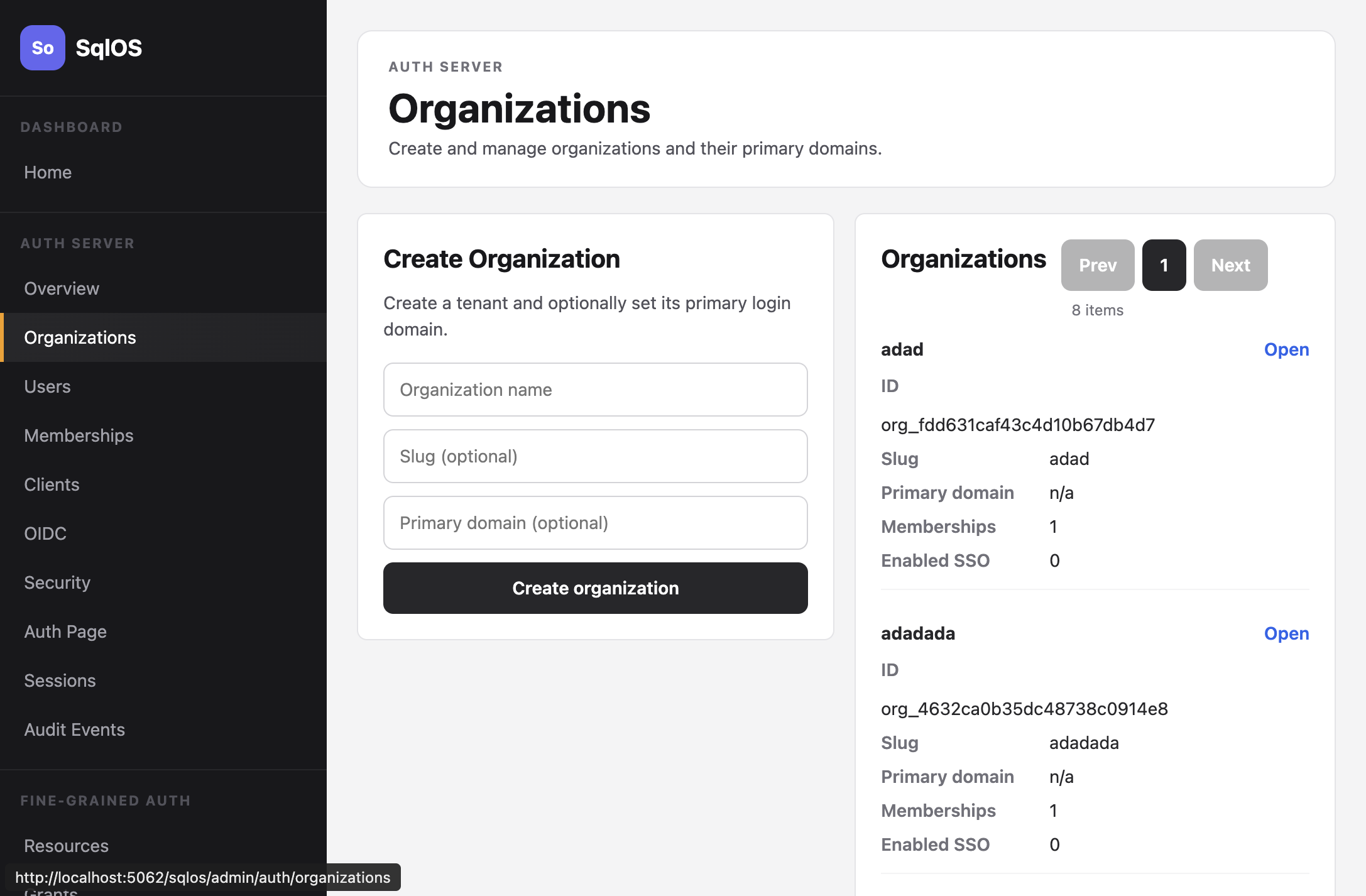
SDK:
var org = await adminService.CreateOrganizationAsync(
    new SqlOSCreateOrganizationRequest(
        Name: "Acme Corp",
        Slug: "acme",
        PrimaryDomain: "acme.com"));
Admin API:
curl -X POST http://localhost:5062/sqlos/admin/auth/api/organizations \
  -b "$SQLOS_DASHBOARD_COOKIE_JAR" \
  -H "Content-Type: application/json" \
  -d '{"name": "Acme Corp", "slug": "acme", "primaryDomain": "acme.com"}'
The Admin API requires an operator session; see Authenticate operator API calls.
| Field | Required | Description |
|---|---|---|
name | Yes | Display name |
slug | No | URL-friendly identifier, auto-generated if omitted |
primaryDomain | No | Organization domain metadata (e.g., acme.com); it does not enable SSO by itself |
Setting primaryDomain alone does not route anyone to SSO. Home realm discovery routes a domain only when the organization also has a complete, enabled SAML connection and the domain satisfies the connection's enrollment policy. Verified delegated domains are preferred when configured. See Home Realm Discovery and SAML SSO.
Users join organizations through memberships. Each membership has a role. Public signup does not accept an organizationId as permission to join an existing organization; use an invitation, trusted SSO or SCIM provisioning, or an admin-owned workflow to create memberships for existing tenants.
var membership = await adminService.CreateMembershipAsync(
    org.Id,
    new SqlOSCreateMembershipRequest(
        UserId: user.Id,
Role: "admin"));When a user belongs to multiple organizations and logs in without specifying one, AuthServer returns a RequiresOrganizationSelection response with the list of available organizations. Present that list and call SelectOrganizationForLoginAsync. Organization selection can lead to MFA, so branch on the returned state before assuming tokens exist.
var result = await authService.LoginWithPasswordAsync(
    new SqlOSPasswordLoginRequest(email, password, clientId, OrganizationId: null),
    httpContext, ct);

if (result.RequiresOrganizationSelection)
{
    result = await authService.SelectOrganizationForLoginAsync(
        new SqlOSSelectOrganizationRequest(
            PendingAuthToken: result.PendingAuthToken!,
            OrganizationId: selectedOrganizationId),
        httpContext,
        ct);
}

if (result.RequiresMfa)
    return RenderMfaStep(result);

var tokens = result.Tokens
?? throw new InvalidOperationException("Login returned no next state.");Users can switch organizations without re-authenticating by passing a different organizationId during token refresh.
An inactive organization is excluded from login selection and cannot receive new authorization codes, sessions, or tokens. Deactivation through UpdateOrganizationAsync also revokes active organization-bound OAuth sessions, refresh tokens, issuer sessions, and organization-owned calendar connections, destroying their stored provider tokens in the same transaction. If lifecycle state is changed directly through the shared DbContext, the next refresh, issuer-session reuse, authorization-code/session issuance, stateful access-token validation, or calendar token/sync use rejects the organization and makes the relevant artifacts unusable. Reactivating the organization does not restore revoked calendar credentials; they must be reconnected explicitly.