Configuration
Service registration, EF integration, dashboard setup, and client onboarding modes.
You'll learn the recommended SqlOS host setup first, followed by optional FGA, token-validation, and client-onboarding configuration.
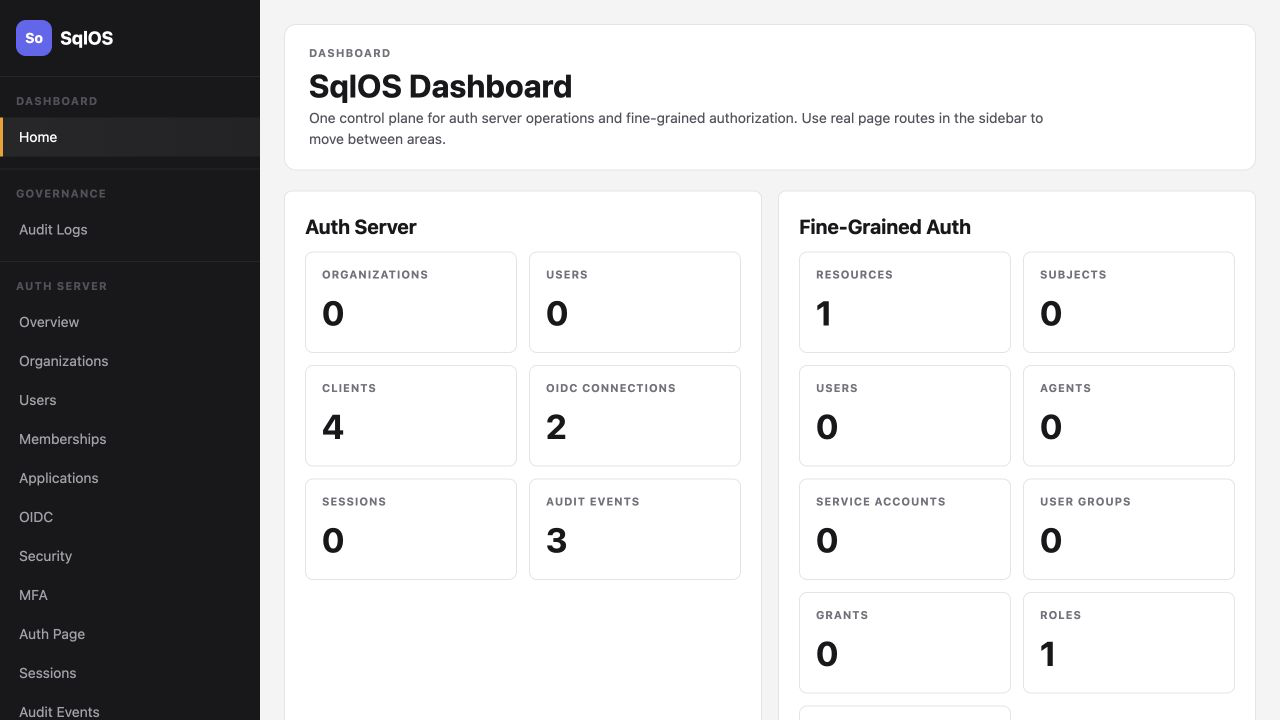
builder.AddSqlOS<AppDbContext>(db => db.UseSqlServer(...), options => ...)SqlOSDbContext<AppDbContext> and put app entities in OnApplicationModelCreatingApi/Mcp surfaces inside UseSingleApplication or ConfigureApplicationOnly add ISqlOSResourceEntity, FGA seeds, and grants when you are ready to authorize application data.
builder.AddSqlOS<AppDbContext>(
    db => db.UseSqlServer(connectionString),
    options => options.UseSingleApplication("Main Web App", app =>
    {
        app.Origin = "https://app.example.com";
        app.Api = "/api";
    }));
Single-application mode creates one first-party PKCE client and keeps CIMD, DCR, resource indicators, and multi-application policy out of the starting path.
Multi-application hosts can keep access policy beside each client seed. When AccessMode is omitted, new clients default to all_organizations and existing seeded clients retain their stored mode. Declare it explicitly whenever you add keyed assignments.
options.AuthServer.SeedClient(client =>
{
    client.ClientId = "admin-console";
    client.Name = "Admin Console";
    client.RedirectUris = ["https://admin.example.com/auth/callback"];
    client.AccessMode = SqlOSApplicationAccessModes.SelectedUsersGroupsRoles;
    client.AssignRole("tenant-admins", "northwind", "admin");
});
The organization ID/slug and referenced principals must already exist. Reconciliation is idempotent and source-owned: code changes affect only the keyed rows above, while dashboard-created assignments remain operator-owned. See Application Access and Assign access across multiple apps.
Keep auth and FGA seeding in the same AddSqlOS call:
options.Fga.Seed(seed =>
{
    seed.ResourceType("workspace", "Workspace");
    seed.Permission("workspace.read", "Read workspace", "workspace");
    seed.Permission("workspace.write", "Write workspace", "workspace");
    seed.Role("workspace_admin", "Workspace Admin").Can("workspace.read", "workspace.write");
});
Use the explicit-ID overloads when you need stable IDs that differ from public permission or role keys.
For protected application data, make the domain entity describe its FGA resource. SqlOSDbContext<TContext> syncs the backing SqlOSFgaResource row when EF saves the entity.
public sealed class Workspace : ISqlOSResourceEntity
{
    public Guid Id { get; set; }
    public string ResourceId { get; set; } = string.Empty;
    public string Name { get; set; } = string.Empty;

    public string ResourceTypeId => "workspace";
    public string ResourceName => Name;
    public string? ParentResourceId => "root";
    public string? ResourceDescription => null;
    public bool ResourceIsActive => true;
}
Keep ResourceId stable and set it before saving the entity. If you use SqlOS authorized list queries, keep ResourceId as an EF-visible property so it can be translated in SQL.
var workspaceId = Guid.NewGuid();
var workspace = new Workspace
{
    Id = workspaceId,
    ResourceId = $"workspace::{workspaceId:D}",
    Name = request.Name.Trim()
};

db.Workspaces.Add(workspace);
await db.SaveChangesAsync();
Manual resource APIs such as CreateResourceAsync(...), CreateResourceWithIdAsync(...), ProvisionResourceWithIdAsync(...), and DeleteResourceAsync(...) are still available for resources that are not backed by an application entity.
Declare app.Api = "/api" when your API accepts SqlOS-issued tokens, then lock the group with RequireAuthorization(). HttpContext.User is populated after authentication; your endpoint still resolves the application subject explicitly.
var api = app.MapGroup("/api").RequireAuthorization();

api.MapPost("/workspaces", async (
    CreateWorkspace request,
    AppDbContext db,
    ISqlOSFgaAuthService fga,
    HttpContext http,
    CancellationToken ct) =>
{
    var subjectId = http.User.FindFirst(JwtRegisteredClaimNames.Sub)?.Value;
    if (string.IsNullOrWhiteSpace(subjectId))
        return Results.Unauthorized();

    var workspaceId = Guid.NewGuid();

    var workspace = new Workspace
    {
        Id = workspaceId,
        ResourceId = $"workspace::{workspaceId:D}",
        Name = request.Name.Trim()
    };

    db.Workspaces.Add(workspace);

    await db.ProvisionUserSubjectAsync(
        subjectId,
        displayName: subjectId,
        cancellationToken: ct);

    await db.GrantRoleAsync(
        subjectId,
        workspace,
        "workspace_admin",
        ct);

    await db.SaveChangesAsync(ct);
    return Results.Created($"/api/workspaces/{workspace.Id}", workspace);
});
Grant helpers never create subjects implicitly. Provision users, agents, or service accounts explicitly with ProvisionUserSubjectAsync(...), ProvisionAgentSubjectAsync(...), or ProvisionServiceAccountSubjectAsync(...) before granting roles. Grants stay explicit; resource rows for ISqlOSResourceEntity instances are synced by SaveChangesAsync().
| Mode | When to use |
|---|---|
| Owned app | Seeded or dashboard client; hosted or headless UI |
| CIMD | Public clients discovered via a metadata URL |
| DCR | Compatibility clients that must register at runtime |
options.AuthServer.ClientRegistration.Cimd.Enabled = true;
options.AuthServer.ClientRegistration.Cimd.TrustedHosts.Add("clients.example.com");

options.AuthServer.SeedDeviceFlowClient(
    "myapp-cli",
    "CLI",
    "https://api.example.com",
    "workspace.read",
"workspace.write");options.AuthServer.ConfigureEmailOtp(email =>
{
email.AzureCommunicationServicesConnectionString =
builder.Configuration["SqlOS:EmailOtp:AzureCommunicationServicesConnectionString"];
email.FromAddress = builder.Configuration["SqlOS:EmailOtp:FromAddress"];
email.ApplicationName = "My App";
});Read the secret from your normal ASP.NET Core configuration providers and assign it in the AddSqlOS callback:
options.Dashboard.AuthMode = SqlOSDashboardAuthMode.Password;
options.Dashboard.Password =
    builder.Configuration["SqlOS:Dashboard:Password"]
    ?? throw new InvalidOperationException("SqlOS dashboard password is required.");
For local development, dotnet user-secrets set "SqlOS:Dashboard:Password" "..." keeps it out of source control. In production, use your platform's secret provider. SqlOS does not automatically bind a SqlOS configuration section.
Treat /sqlos and /sqlos/admin as administrative endpoints — restrict network access in production.
Password-mode dashboard mutations and SSO-portal mutations that present their session cookie also require a same-origin browser proof: the X-SqlOS-Request: 1 header plus an Origin or Referer that matches AuthServer.PublicOrigin, the issuer origin, or the request host after trusted forwarded headers. The hosted dashboard and SSO setup portal send that header themselves and do not store it in browser storage. A missing, conflicting, or cross-origin value is rejected before the mutation or its success audit is committed. Calls that authenticate with a bearer token or Dashboard.AuthorizationCallback and do not send either session cookie are unchanged.
Hosted auth and dashboard HTML use a restrictive nonce-based Content Security Policy and deny framing automatically. No setting is required for the built-in UI. If a reviewed customization loads scripts, styles, images, or fonts from another origin, set options.BrowserSecurity.ContentSecurityPolicy and keep the required {nonce} placeholder. frame-ancestors 'none' is always enforced and cannot be overridden. See Production Readiness for the default headers and a customization example.
SqlOS runs its own SQL scripts on startup. Your EF migrations do not own SqlOS tables. If you need SqlOS tables before your migrations, call SqlOSBootstrapper.InitializeAsync() once first.
| Path | Purpose |
|---|---|
/sqlos | Dashboard shell |
/sqlos/admin/auth | Auth admin UI |
/sqlos/admin/fga | FGA admin UI |
/sqlos/auth/* | OAuth and hosted AuthPage |