Sign in an ASP.NET Core app
Complete hosted SqlOS login with ASP.NET Core OpenID Connect, PKCE, a secure cookie, and token revocation.
Run a Razor Pages application that:
/signin-sqlos and validates the returned ID token and nonce;This is an all-.NET client. It does not require a JavaScript authentication SDK or an external identity provider.
5080, 5090, 18890, and 18891 available (plus 1435 when you opt into SQL Server).From the repository root:
dotnet run --project examples/SqlOS.Todo.AppHost/SqlOS.Todo.AppHost.csprojUse the authenticated Aspire dashboard URL printed in the terminal (its configured listener is https://localhost:18890). Wait for the database to become healthy and for todo-api and aspnet-web to show Running, then open:
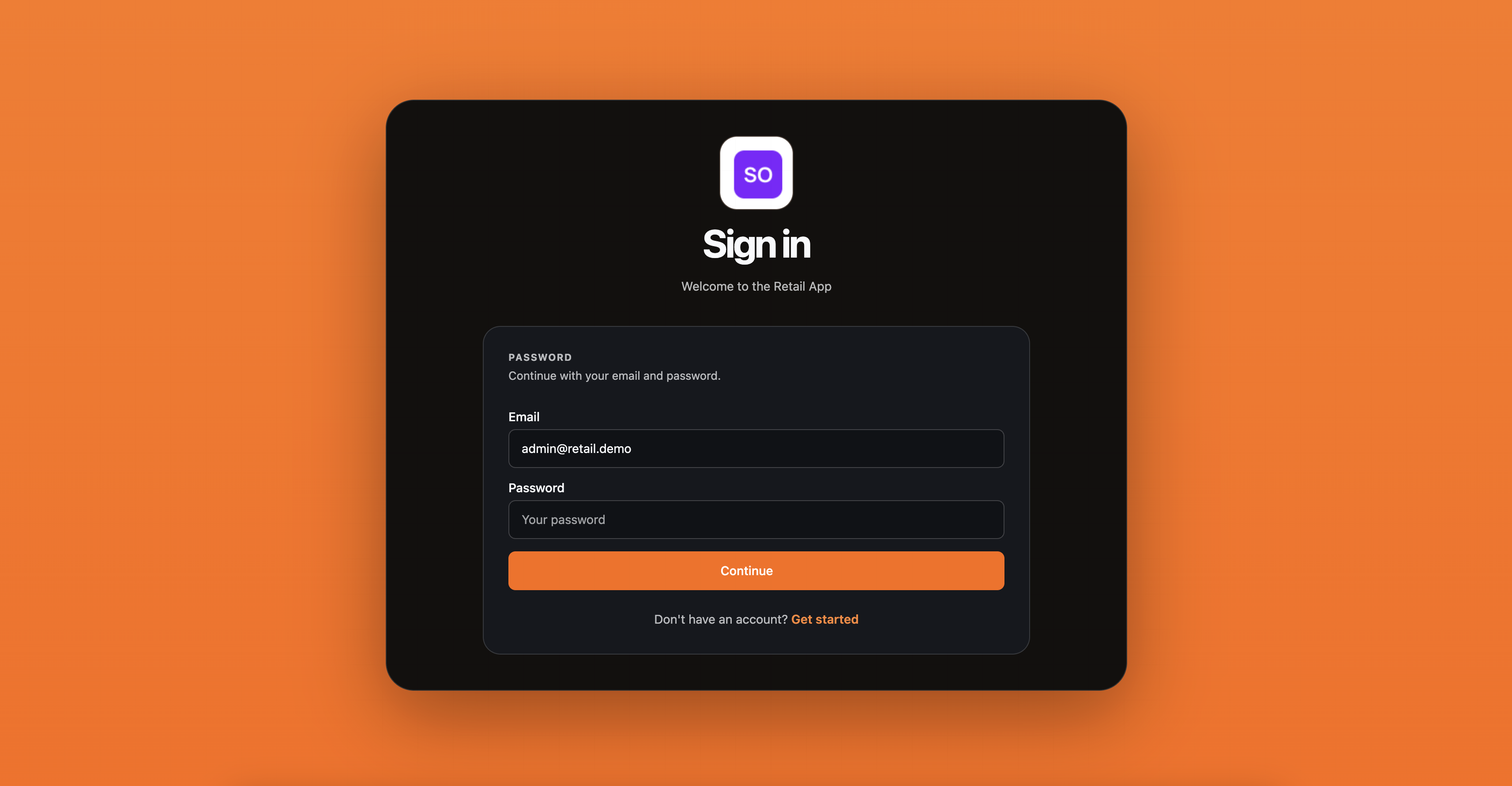
http://localhost:5090Select Sign in with SqlOS, then create a password account or sign in. Password authentication is the provider-free default; email and SMS delivery are not required.
After SqlOS redirects back, the page shows the authenticated identity, token expiration, and the JSON returned by GET http://localhost:5080/api/me. Select Sign out and revoke to revoke the SqlOS refresh token and session before deleting the local cookie.
| Concern | Owner |
|---|---|
Discovery, PKCE verifier, protected state, nonce, correlation cookie, and ID token validation | ASP.NET Core OpenID Connect handler |
| Password, organization selection, SSO, and MFA | SqlOS hosted AuthPage |
| Authorization code, access/refresh tokens, ID token, and UserInfo | SqlOS AuthServer |
| Application login session | ASP.NET Core cookie handler |
| API signature, audience, and session validation | SqlOS token validation on the Todo API |
The callback path /signin-sqlos belongs to authentication middleware. Do not create a Razor Page or controller for it.
The sample reads the SqlOS origin and client ID from configuration, with local defaults:
var sqlosOrigin = (builder.Configuration["SqlOS:Origin"]
    ?? "http://localhost:5080").TrimEnd('/');
var clientId = builder.Configuration["SqlOS:ClientId"]
    ?? "example-aspnet";
It then makes cookies the application session and SqlOS the challenge scheme:
builder.Services
    .AddAuthentication(options =>
    {
        options.DefaultScheme =
            CookieAuthenticationDefaults.AuthenticationScheme;
        options.DefaultChallengeScheme = "SqlOS";
    })
    .AddCookie(options =>
    {
        options.Cookie.Name = "sqlos.aspnet.session";
        options.Cookie.HttpOnly = true;
        options.Cookie.SameSite = SameSiteMode.Lax;
        options.ExpireTimeSpan = TimeSpan.FromHours(8);
        options.SlidingExpiration = true;
    })
    .AddOpenIdConnect("SqlOS", options =>
    {
        options.Authority = $"{sqlosOrigin}/sqlos/auth";
        options.ClientId = clientId;
        options.ResponseType = "code";
        options.UsePkce = true;
        options.CallbackPath = "/signin-sqlos";
        options.SaveTokens = true;
        options.GetClaimsFromUserInfoEndpoint = true;
        options.MapInboundClaims = false; // keep raw OIDC claim names (sub, sid, name)
        options.TokenValidationParameters.NameClaimType = "name";
        options.RequireHttpsMetadata = false; // localhost only
});example-aspnet is registered in SqlOS as public_pkce with token_endpoint_auth_method none. The OpenID Connect handler, unlike ASP.NET Core's generic OAuth handler, does not demand a placeholder secret: the code exchange is bound by the PKCE verifier. Do not add a ClientSecret to browser-facing or distributed applications.
The handler resolves the authorization, token, JWKS, and UserInfo endpoints from {Authority}/.well-known/openid-configuration. The sample requests openid, profile, email, offline_access, todos.read, and todos.write. The seeded client fixes the audience to http://localhost:5080/api/todos and allows the callback from TodoSample:AspNetRedirectUri (default http://localhost:5090/signin-sqlos).
The login handler does not construct authorization URLs itself. It asks ASP.NET Core to challenge the SqlOS scheme:
public IActionResult OnGetLogin()
    => Challenge(
        new AuthenticationProperties
        {
            RedirectUri = Url.Page("/Index") ?? "/"
        },
        "SqlOS");
The framework creates the correlation cookie, PKCE verifier and challenge, nonce, and protected state. SqlOS persists and returns the state unchanged and echoes the nonce inside the ID token, where the handler verifies it. Current SqlOS schemas allow the longer protected state emitted by standard ASP.NET Core handlers.
The callback exchanges the code, validates the ID token's RS256 signature against the SqlOS JWKS, and — because GetClaimsFromUserInfoEndpoint is enabled — calls /sqlos/auth/userinfo with the new access token. The resulting identity carries sub, sid, amr, org_id when the session is organization-scoped, and the name, preferred_username, email, and email_verified claims released by the granted profile and email scopes (see OpenID Provider for the exact claim tables). ASP.NET Core then encrypts that identity and the saved tokens into its authentication ticket.
No claim in that cookie came from browser input: the ID token is signed by SqlOS, and UserInfo only answers a bearer-authenticated request whose session is still live.
SaveTokens = true puts access and refresh tokens in the encrypted authentication ticket. That is convenient for a small demo, but it can create a large browser cookie. For a production app, use an ITicketStore or another server-side token/session store and keep only an opaque session identifier in the browser.
On each authenticated page load, the sample retrieves the access token from the ticket and calls /api/me:
var accessToken = await HttpContext.GetTokenAsync("access_token");

using var request = new HttpRequestMessage(HttpMethod.Get, "/api/me");
request.Headers.Authorization =
    new AuthenticationHeaderValue("Bearer", accessToken);
The Todo API validates the signature, issuer, expiry, exact audience, and persisted session existence/revocation/absolute expiry before returning identity claims that include the client ID. Your Razor application never accepts a user or organization ID from the browser as proof of identity.
SqlOS access tokens are deliberately short-lived—10 minutes by default. Before a protected call, the sample checks the saved expires_at; when less than one minute remains, it rotates the refresh token through the OAuth token endpoint:
using var response = await client.PostAsync(
    "/sqlos/auth/token",
    new FormUrlEncodedContent(new Dictionary<string, string>
    {
        ["grant_type"] = "refresh_token",
        ["client_id"] = clientId,
        ["refresh_token"] = refreshToken
    }),
    cancellationToken);
It stores the new access token, rotated refresh token, token type, and expiry in AuthenticationProperties, then calls SignInAsync to renew the encrypted cookie. A high-traffic application should still coordinate concurrent refresh attempts—normally with a server-side ticket/token store. SqlOS has a configurable refresh-token grace window (30 seconds by default) for near-concurrent reuse; outside that grace/replay behavior, the rotating token is single-use.
Cookie sign-out alone leaves the SqlOS refresh token usable. The sample first sends the saved refresh token and session ID to the SqlOS logout endpoint, then clears the application cookie:
await client.PostAsJsonAsync(
    "/sqlos/auth/logout",
    new { refreshToken, sessionId },
    cancellationToken);

await HttpContext.SignOutAsync(
    CookieAuthenticationDefaults.AuthenticationScheme);
Keep logout as a POST. Razor Pages antiforgery protection prevents another site from silently signing a user out.
| File | What to copy or study |
|---|---|
Program.cs | Cookie and OpenID Connect registration, discovery, PKCE, scopes, and claim mapping |
Index.cshtml.cs | Challenge, protected API call, and revoking logout |
Index.cshtml | Login/logout UI and authenticated proof |
Todo AppHost | One-command PostgreSQL (or SQL Server), API, and Razor app orchestration |
Todo API | example-aspnet client seed and audience-protected /api/me |
Use the sample as a working reference, then change these values together:
https://app.acme.com.https://app.acme.com/signin-sqlos and an AllowedScopes list containing openid profile email (see Clients).https://api.acme.com.SqlOS:Origin to the externally reachable SqlOS origin and SqlOS:ClientId to the registered client ID, and remove RequireHttpsMetadata = false./api/me call with your application's session/bootstrap endpoint.If the same ASP.NET Core process hosts SqlOS and the application UI, Add SqlOS to one app supplies the server registration. Set its RedirectPath to /signin-sqlos so UseSingleApplication seeds the URI expected by the OpenID Connect handler.
The URI is exact. The seeded client expects http://localhost:5090/signin-sqlos, including scheme, port, and path. Update the client registration and CallbackPath together if your app uses another origin.
Start sign-in from the application instead of opening the hosted page directly. Keep the browser on the same host name (localhost, not a mix of localhost and 127.0.0.1). If the database came from an older source checkout, let current SqlOS startup migrations finish before retrying.
/api/me returns 401#Confirm the access token was issued for http://localhost:5080/api/todos, the todo-api resource is healthy, and you have not revoked the session. Audience comparison is exact.
Use HTTPS, set the session, correlation, and nonce cookies to CookieSecurePolicy.Always, configure forwarded headers before authentication when a proxy terminates TLS, and persist ASP.NET Core Data Protection keys across replicas.