Password Login
Authenticate users with email and password.
Password login uses email + password. Run home realm discovery first. It tells you whether an email must go to SSO before you show any local credential form. The same rule applies when Email OTP is enabled.
Given an email address, discovery returns the login mode:
var discovery = await discoveryService.DiscoverAsync(
    new SqlOSHomeRealmDiscoveryRequest("user@acme.com"), ct);

// discovery.Mode → "password" or "sso"| Mode | Meaning |
|---|---|
password | No SSO org for this email — show a local credential method such as password or Email OTP |
sso | Domain maps to SAML — redirect to IdP |
Frontend example (Next.js):
const res = await fetch("/api/v1/auth/discover", {
  method: "POST",
  body: JSON.stringify({ email }),
});
const { mode, organizationId } = await res.json();

if (mode === "sso") {
  // Start SSO flow
} else {
  // Show password input
}Pass the ClientId of a first-party client. Direct sign-in returns tokens without a consent screen, so SqlOS refuses any other client with invalid_client before it checks the password.
var outcome = await authService.LoginWithPasswordAsync(
    new SqlOSPasswordLoginRequest(email, password, clientId, OrganizationId: null),
    httpContext, ct);

if (outcome.RequiresOrganizationSelection)
{
    // Present outcome.Organizations, then keep handling the login state machine.
    outcome = await authService.SelectOrganizationForLoginAsync(
        new SqlOSSelectOrganizationRequest(outcome.PendingAuthToken!, selectedOrgId),
        httpContext, ct);
}

if (outcome.RequiresMfa)
{
    // Return the MFA challenge or enrollment state to the UI.
    return Results.Ok(new
    {
        next = outcome.RequiresMfaEnrollment ? "enroll_totp" : "verify_mfa",
        outcome.MfaToken,
        outcome.MfaMethods
    });
}

var tokens = outcome.Tokens
    ?? throw new InvalidOperationException("Login returned no next state.");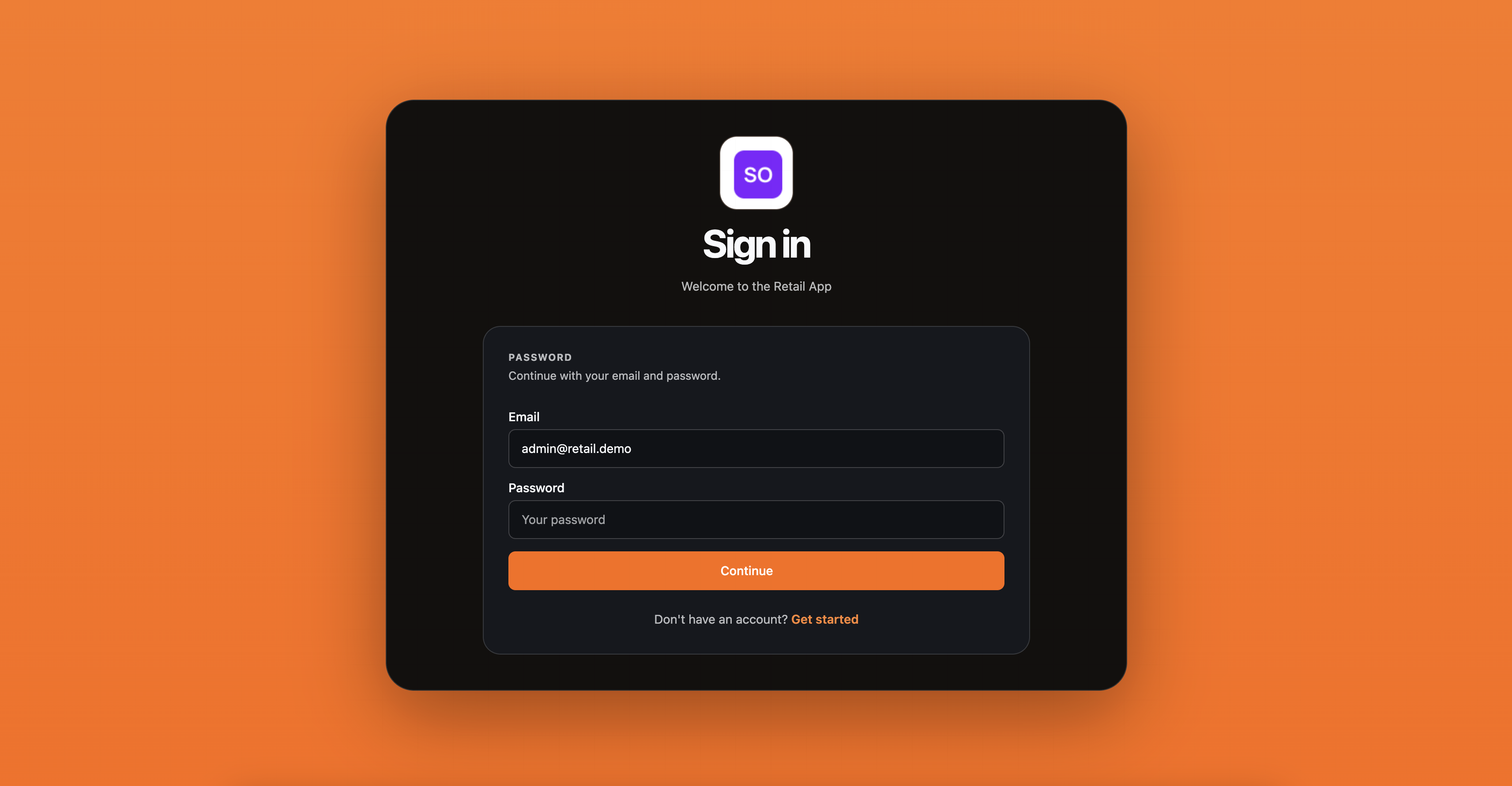
A typical frontend flow using the example API endpoints:
// 1. Discover login mode
const discover = await apiPost("/api/v1/auth/discover", { email });

// 2. Login with password
let outcome = await apiPost("/api/v1/auth/login", {
  email,
  password,
  organizationId: discover.organizationId,
});

if (outcome.requiresOrganizationSelection) {
  // Show org picker, then:
  outcome = await apiPost("/api/v1/auth/select-organization", {
    pendingAuthToken: outcome.pendingAuthToken,
    organizationId: selectedOrgId,
  });
}

if (outcome.requiresMfa) {
  showMfaStep(outcome);
  return;
}

// 3. Let the server-side endpoint keep the SqlOS tokens and establish
// an encrypted, Secure, HttpOnly application session cookie.
navigateToApp();
Do not put refresh tokens in localStorage or other JavaScript-readable browser storage. For a browser app, use a backend-for-frontend that keeps SqlOS tokens server-side and exposes only a Secure, HttpOnly, SameSite application-session cookie. Native and desktop clients should use the platform credential vault.
Hosted AuthPage includes a Forgot password? action when local password auth is enabled. It sends a branded reset email and opens the built-in reset form at /sqlos/auth/password/reset?token=....
A custom AuthPage UI should use @sqlos/headless (flow.identify then flow.password.login; recovery is flow.password.forgot / flow.password.reset). The initial email screen is the login view. Always leave a completed flow with window.location.assign(redirectUrl). See Build your own login and signup UI.
Headless and API-owned UIs can request the same email without exposing the token. The headless routes below are the HTTP wire contract; client code should use the package:
POST /sqlos/auth/password/forgot
POST /sqlos/auth/headless/password/forgot
Both routes return a generic success response for unknown, inactive, SSO-only, and otherwise ineligible accounts. Only active users with an existing local password credential receive email.
await authService.RequestPasswordResetEmailAsync(
    new SqlOSForgotPasswordRequest(
        Email: email,
        ClientId: clientId),
    httpContext,
    ct);
Public request bodies cannot choose the reset link. SqlOS builds the hosted reset URL from
AuthServer.PublicOrigin, or from the validated issuer origin when PublicOrigin is omitted. Request
Host, Forwarded, and X-Forwarded-* headers are never used for password-reset email links.
Support teams can send the same email from the dashboard user detail page or by calling:
POST /sqlos/admin/auth/api/users/{userId}/password-reset-emailThat support route requires an operator session; use the dashboard or follow Authenticate operator API calls.
Disable password auth entirely:
builder.AddSqlOS<AppDbContext>(options =>
{
    options.AuthServer.EnableLocalPasswordAuth = false;
});
Require verified email before password login:
builder.AddSqlOS<AppDbContext>(options =>
{
    options.AuthServer.RequireVerifiedEmailForPasswordLogin = true;
});
Configure password-login abuse controls:
builder.AddSqlOS<AppDbContext>(options =>
{
    options.AuthServer.ConfigurePasswordLoginAbuse(password =>
    {
        password.MaxFailedAttemptsPerAccount = 5;
        password.MaxFailedAttemptsPerIp = 20;
        password.MaxFailedAttemptsPerClient = 50;
        password.FailureWindow = TimeSpan.FromMinutes(15);
        password.LockoutDuration = TimeSpan.FromMinutes(15);
    });
});
SqlOS stores password-login throttle state in SqlOSPasswordLoginBuckets. Before hashing, each attempt atomically reserves capacity in every applicable normalized-email, user-ID, source-IP, client, and user-agent bucket under a short SQL transaction. The reservation commits before the password comparison, so replicas cannot collectively admit more comparisons than the lowest overlapping cap and no database lock is held during hashing.
A failed comparison keeps the reserved capacity as a failure. A successful comparison clears prior account failures while preserving other in-flight account reservations; it releases only its own capacity from shared IP, client, and device buckets so one successful login cannot erase a password-spray pattern. An abandoned reservation remains fail-closed for two minutes, then a later attempt drains it.
Unknown-email, wrong-password, locked-account, and rate-limited password attempts return the same public failure message. Operators can distinguish them internally through SqlOSAuditEvents entries such as password.login.failed, password.login.locked, password.login.rate_limit_rejected, password.login.suspicious_pattern, and password.login.succeeded.
Configure password-reset lifetime and request limits:
builder.AddSqlOS<AppDbContext>(options =>
{
    options.AuthServer.ConfigurePasswordReset(reset =>
    {
        reset.TokenLifetime = TimeSpan.FromHours(1);
        reset.ResendCooldown = TimeSpan.FromSeconds(30);
        reset.MaxRequestsPerEmailPerWindow = 5;
        reset.MaxRequestsPerIpPerWindow = 60;
        reset.MaxRequestsPerClientPerWindow = 300;
        reset.BuildResetUrl = context => context.ClientId switch
        {
            "web" => $"https://app.example.com/reset-password?token={Uri.EscapeDataString(context.Token)}",
            _ => $"https://auth.example.com/sqlos/auth/password/reset?token={Uri.EscapeDataString(context.Token)}"
        };
    });
});
BuildResetUrl is trusted server-side configuration. Its ClientId is populated only when SqlOS
resolves an active first-party client; dynamically registered and other third-party clients receive
null. Returned links must use HTTPS, except that loopback HTTP is accepted for local development.
Links cannot contain user information or place the token in the URL authority. Invalid link
generation fails closed: no email is sent and the new reset token is invalidated.
Public password-reset requests reserve email, user, IP, and client capacity atomically in the distributed rate-limit store before SqlOS writes a request marker or sends mail. Concurrent requests and replicas cannot exceed the configured caps. A delivery failure or timeout keeps the reserved slot; the rate-limit window expiry restores capacity. Unknown accounts receive the same public message as eligible accounts, including when a request is throttled.
Completing a reset proves the mailbox the link was sent to. When that address is still unverified, the reset claims it: the new password is kept, and every other credential and identity attached before the claim is revoked along with all sessions.
Password-reset requests are audited with events such as password_reset.requested, password_reset.email_sent, password_reset.email_send_failed, password_reset.rate_limit_rejected, password_reset.completed, and password_reset.invalid_or_expired.