Guides
Set up SAML SSO
Configure enterprise SSO for an organization with home realm discovery.
You'll learn how to create a SAML connection, share metadata with your customer’s IdP, and route users by email domain.
Use code-first seeds for repeatable deployment-owned connections, this operator-managed dashboard path for platform-owned setup, or the customer-managed SSO guide for a one-time organization-scoped portal. All three use the same SAML runtime and validation.
For code-first setup, call options.AuthServer.SeedSamlConnection("stable-key", ...) and provide either metadata XML from host configuration or explicit entity ID, HTTPS SSO URL, and public signing certificate. The dashboard shows the result as code owned and leaves emergency enable/disable available; edit other fields in the seed. See SAML SSO: Code-first connection for the compiled example and reconciliation rules.
Existing organization members with verified @acme.com email automatically use Acme’s SAML IdP instead of password login. New users are only created from SSO if you enable JIT provisioning.
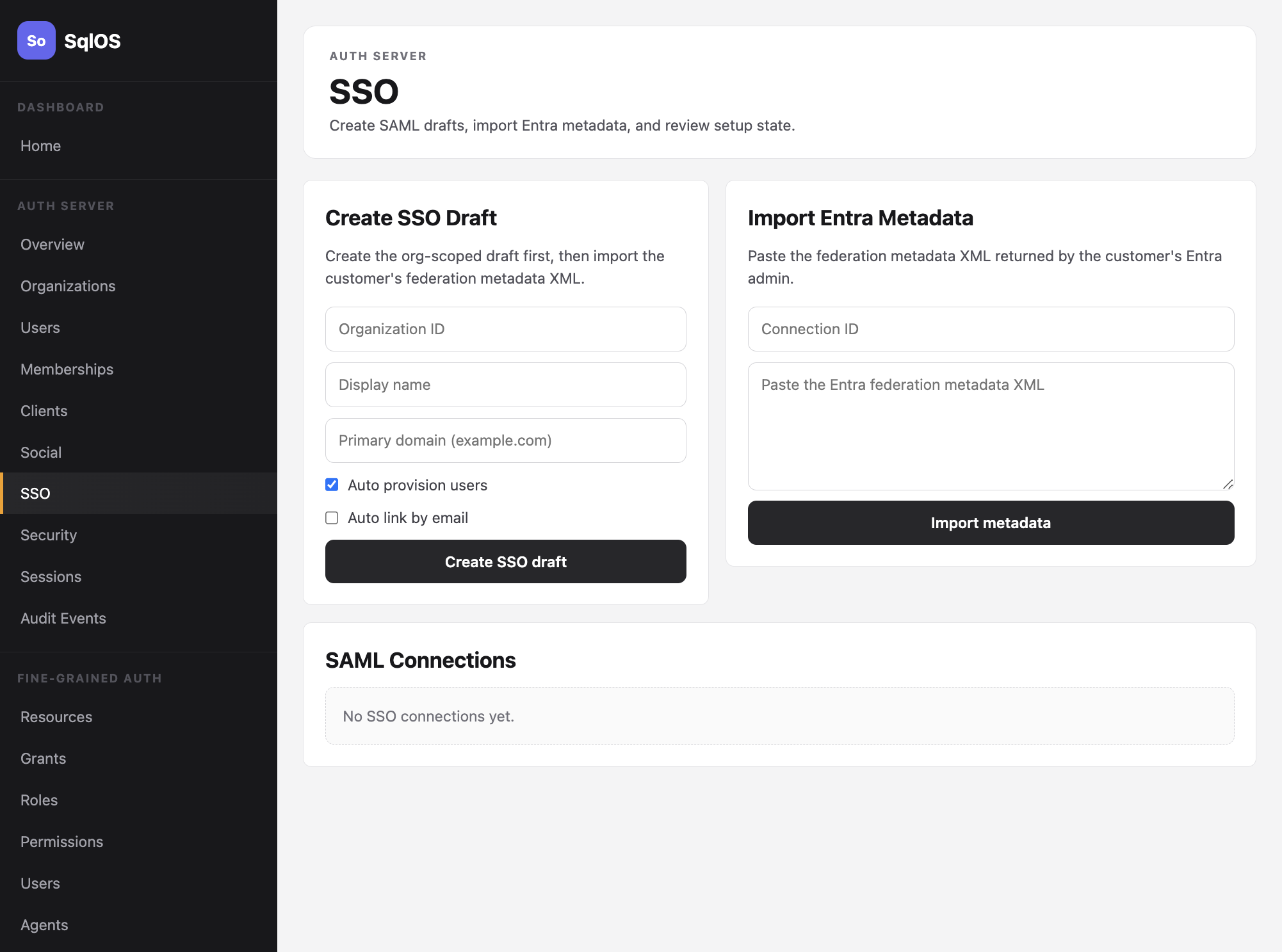
/sqlos/admin/auth/ → SSO / SAML for the target organization.acme.com).user@acme.com and confirm redirect to the IdP.