Guides
Social sign-in
Configure Google, Microsoft, GitHub, Apple, and custom social providers from the SqlOS dashboard.
You'll learn how to register redirect URIs, create a social provider connection in SqlOS, and test the hosted login flow.
/sqlos/admin/auth/Users click provider buttons such as Continue with Google, Continue with Microsoft, or Continue with GitHub on the hosted AuthPage.
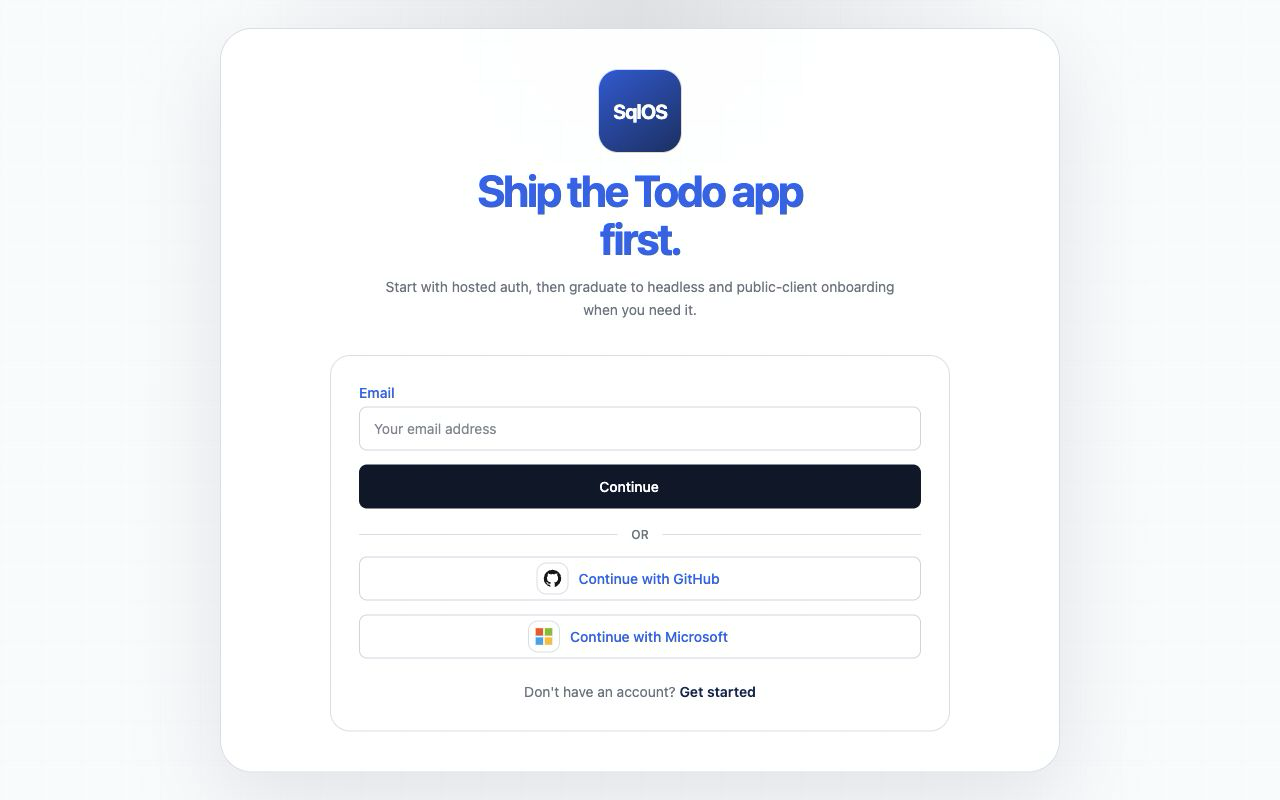
The screenshot shows a deliberately configured environment with GitHub and Microsoft enabled. The Todo demo does not seed GitHub, and its Microsoft connection appears only when client credentials are configured. Provider buttons appear only for enabled connections.
/sqlos/admin/auth/oidc in your running app./sqlos/auth/oidc/callback, with no connection-id suffix—and add it to Google’s authorized redirect URIs.See Google OIDC for curl-based setup and failure modes.
/sqlos/admin/auth/oidc with provider Microsoft.See Microsoft OIDC.
/sqlos/admin/auth/oidc in your running app.SqlOS requests read:user and user:email by default so it can load the GitHub profile and verified primary email address. See GitHub OIDC for dashboard, API, and code-first setup.
Instead of clicking through the dashboard, you can seed a connection from code so it exists on a fresh database. This is consistent with SeedAuthPage, SeedAuthEmails, and client seeding: the bootstrapper reconciles the connection on startup, matched by provider type (and display name for custom providers).
builder.AddSqlOS<AppDbContext>(options =>
{
    var auth = options.AuthServer;

    // "Continue with Microsoft". Keep secrets in configuration/user-secrets, never in source.
    auth.SeedMicrosoftConnection(
        clientId: builder.Configuration["SqlOS:Oidc:Microsoft:ClientId"]!,
        clientSecret: builder.Configuration["SqlOS:Oidc:Microsoft:ClientSecret"]!,
        tenant: "common",
        "https://your-app.example.com/sqlos/auth/oidc/callback");

    // "Continue with Google".
    auth.SeedGoogleConnection(
        clientId: builder.Configuration["SqlOS:Oidc:Google:ClientId"]!,
        clientSecret: builder.Configuration["SqlOS:Oidc:Google:ClientSecret"]!,
        "https://your-app.example.com/sqlos/auth/oidc/callback");

    // "Continue with GitHub". GitHub uses OAuth profile/email lookup through the same social provider surface.
    auth.SeedGitHubConnection(
        clientId: builder.Configuration["SqlOS:Oidc:GitHub:ClientId"]!,
        clientSecret: builder.Configuration["SqlOS:Oidc:GitHub:ClientSecret"]!,
        "https://your-app.example.com/sqlos/auth/oidc/callback");
});
For Apple or fully custom providers, use the general form:
auth.SeedOidcConnection("workforce", oidc =>
{
    oidc.ProviderType = SqlOSOidcProviderType.Custom;
    oidc.DisplayName = "Acme Identity";
    oidc.ClientId = builder.Configuration["SqlOS:Oidc:Acme:ClientId"]!;
    oidc.ClientSecret = builder.Configuration["SqlOS:Oidc:Acme:ClientSecret"];
    oidc.DiscoveryUrl = "https://id.acme.com/.well-known/openid-configuration";
    oidc.AllowedCallbackUris = ["https://your-app.example.com/sqlos/auth/oidc/callback"];
});SqlOS anchors OIDC identities in the signed ID token, binds UserInfo to the exact same sub, and keeps each email paired with the verification claim from the same authenticated response. Unsigned callback fields never control account lookup or linking; Apple's callback object can provide sanitized display-name fields only.
/sqlos/auth/authorize (normally through your framework's OAuth middleware).If the email domain matches an org SAML connection, SqlOS routes to SSO instead of social login. See Home realm discovery.