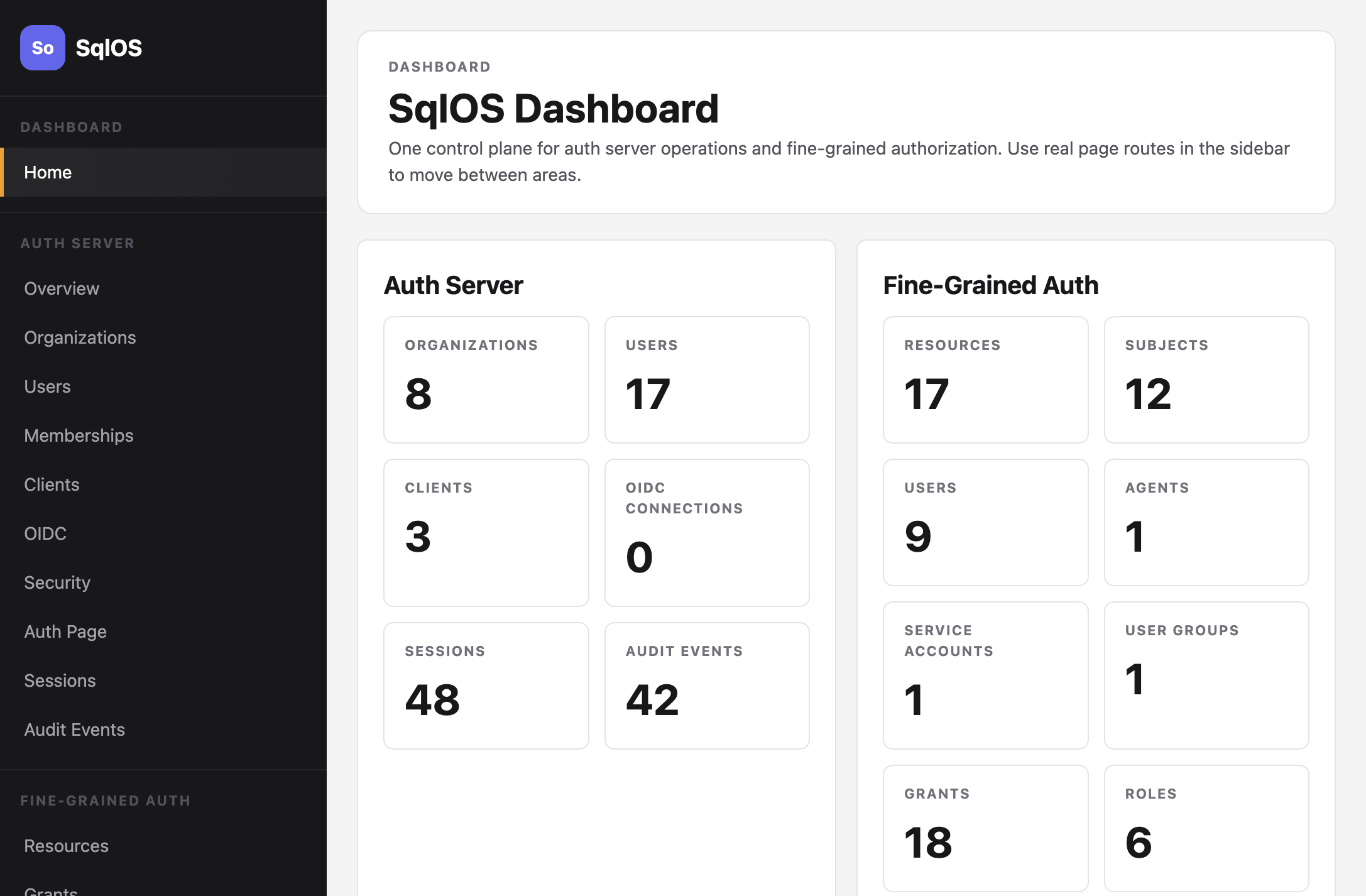
Dashboard
Manage auth and authorization from the embedded admin UI.
The SqlOS dashboard is an embedded admin UI that runs inside your app. It provides a single control plane for both AuthServer and Fine-Grained Authorization.
Accessing the dashboard
The dashboard mounts under DashboardBasePath (default /sqlos) when you register SqlOS and call app.MapSqlOS() after Build().
Then open http://localhost:5062/sqlos/ (or your app's URL). The dashboard is protected by a password configured in appsettings.json.
Auth Server pages
| Page | URL | What you can do |
|---|---|---|
| Organizations | /sqlos/admin/auth/organizations | Create tenants, set primary domains for SSO |
| Users | /sqlos/admin/auth/users | Create users, assign passwords |
| Memberships | /sqlos/admin/auth/memberships | Link users to organizations with roles |
| Clients | /sqlos/admin/auth/clients | Register OAuth clients with redirect URIs |
| OIDC | /sqlos/admin/auth/oidc | Configure social login providers |
| SSO | /sqlos/admin/auth/sso | Set up SAML enterprise SSO |
| Security | /sqlos/admin/auth/security | Configure session and token lifetimes |
| Sessions | /sqlos/admin/auth/sessions | View and manage active sessions |
| Audit Events | /sqlos/admin/auth/audit | Review authentication events |
FGA pages
| Page | URL | What you can do |
|---|---|---|
| Resources | /sqlos/admin/fga/resources | Browse the resource hierarchy |
| Grants | /sqlos/admin/fga/grants | Manage subject-role-resource assignments |
| Roles | /sqlos/admin/fga/roles | Define roles and link permissions |
| Permissions | /sqlos/admin/fga/permissions | View permission keys by resource type |
| Subjects | /sqlos/admin/fga/users | Manage FGA users, agents, service accounts, groups |
| Access Tester | /sqlos/admin/fga/access-tester | Test access decisions with a detailed trace |
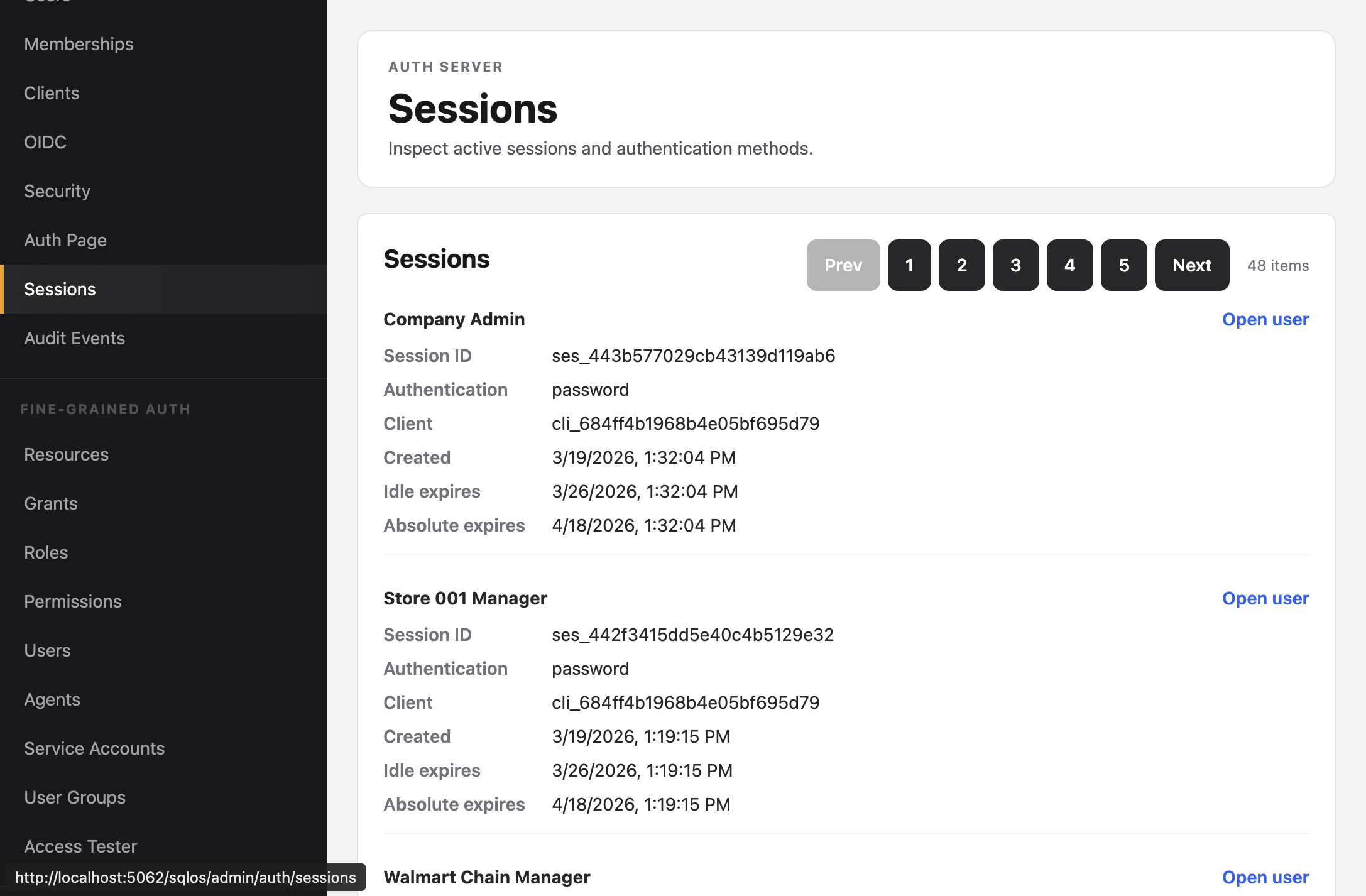
Sessions
The Sessions page shows all active sessions with their authentication method, client, and expiration times.