Hosted vs Headless
Choose the right auth presentation mode for your app.
SqlOS separates the OAuth protocol from the login UI. You choose how the user experiences authentication.
Hosted AuthPage
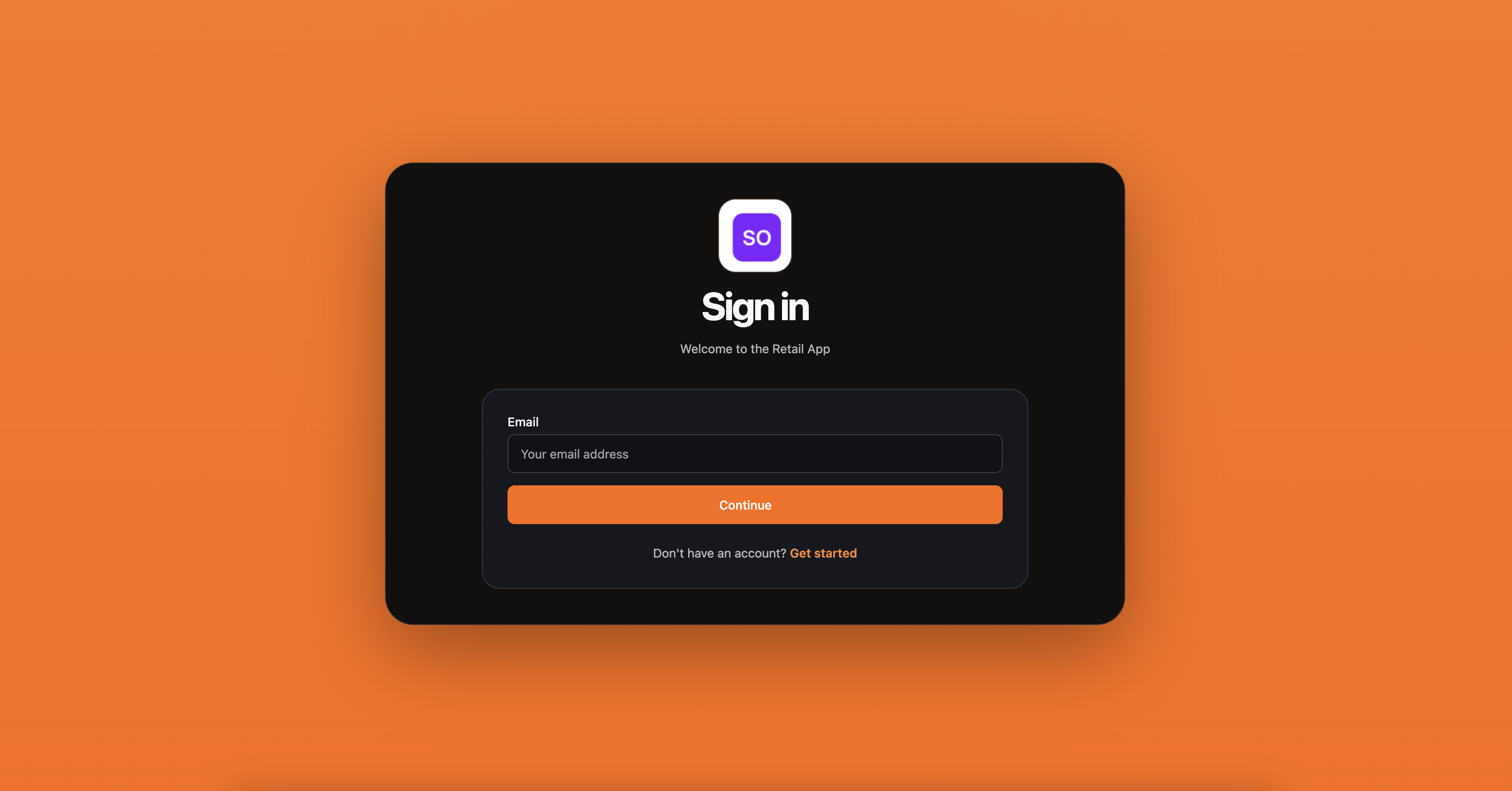
The default. SqlOS renders the sign-in, sign-up, and organization selection pages.
Choose hosted when:
- You want the fastest setup
- The built-in auth UI is good enough
- You don't need app-owned signup fields
What you get:
- Working OAuth 2.0 flow out of the box
- Branded login page with your app name and logo
- Password, OIDC, and SAML support
- No frontend auth code to write
Tradeoff: Less control over the authorize popup design.
Headless Auth
SqlOS owns the OAuth protocol. Your app owns the UI.
Choose headless when:
- The auth popup should match your app's design system
- You want A/B testing on signup and login
- You need app-owned custom fields (referral source, company profile, etc.)
- You want the OAuth popup to feel native to your product
What you get:
- Full control over the authorize UI
- App-owned signup fields via
customFields - Same OAuth protocol underneath (PKCE, redirect validation, code issuance)
- OIDC and SAML still handled by SqlOS
Tradeoff: You write and maintain the authorize page.
options.UseAuthServer(auth =>
{
    auth.UseHeadlessAuthPage(headless =>
    {
        headless.BuildUiUrl = ctx =>
            $"https://app.example.com/authorize?request={ctx.RequestId}&view={ctx.View}";
    });
});
Don't rebuild the auth flow
Some teams try to keep their own login page and "attach OAuth later." This usually turns into:
- Custom bridge code for redirect validation
- App-issued authorization codes
- Awkward callback branches
- Auth behavior drifting from the spec
If you want to own the UI, use headless mode. Don't rebuild the authorization flow itself.
Switching modes
You can switch between hosted and headless at any time. The OAuth protocol, token format, sessions, and refresh behavior are identical in both modes. Only the user-facing login UI changes.
Read the implementation guide: Headless Auth