Roles
Define roles as named sets of permissions.
A role is a named set of permissions. When you grant a role to a subject on a resource, the subject gains all of that role's permissions on that resource and its descendants.
Define roles in startup
options.UseFGA(fga =>
{
    fga.SeedRole("CompanyAdmin", "Company Admin", new[]
    {
        "CHAIN_VIEW", "CHAIN_EDIT",
        "LOCATION_VIEW", "LOCATION_EDIT",
        "INVENTORY_VIEW", "INVENTORY_EDIT"
    });

    fga.SeedRole("StoreClerk", "Store Clerk", new[]
    {
        "INVENTORY_VIEW"
    });
});
Roles defined in startup are reapplied on boot. Custom roles created through the dashboard are preserved.
Dashboard
Path: Fine-Grained Auth > Roles
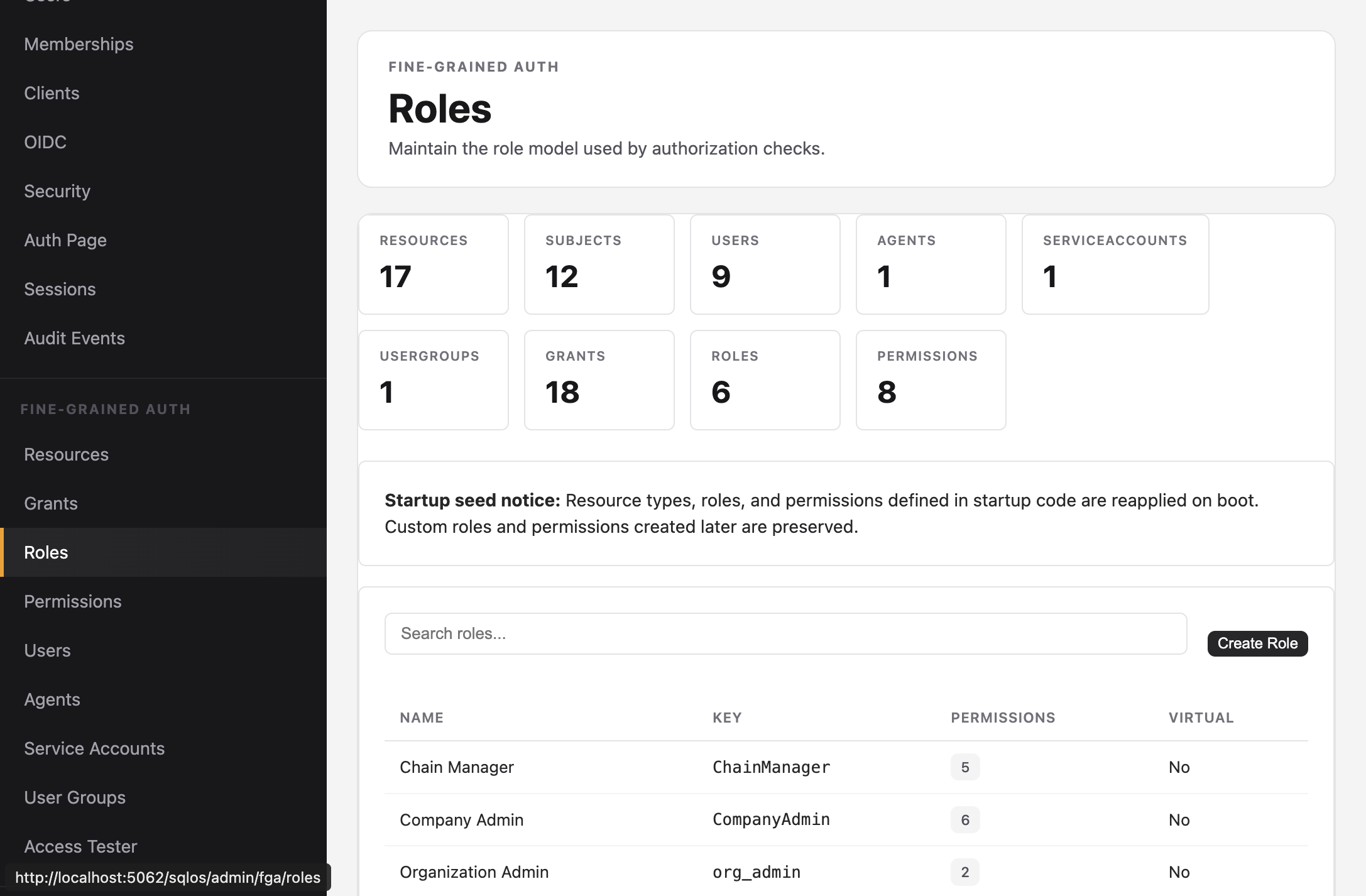
The Roles page lists all roles with their permission count. Create new roles or view the permissions linked to each role.
Role model
public class SqlOSFgaRole
{
    public string Id { get; set; }
    public string Key { get; set; }         // e.g., "CompanyAdmin"
    public string DisplayName { get; set; } // e.g., "Company Admin"
    public string? Description { get; set; }
}
Example: retail app roles
| Role | Key | Permissions |
|---|---|---|
| Company Admin | CompanyAdmin | All chain, location, and inventory permissions |
| Chain Manager | ChainManager | CHAIN_VIEW, LOCATION_VIEW, LOCATION_EDIT, INVENTORY_VIEW, INVENTORY_EDIT |
| Store Manager | StoreManager | LOCATION_VIEW, INVENTORY_VIEW, INVENTORY_EDIT |
| Store Clerk | StoreClerk | INVENTORY_VIEW |