FGA Dashboard
Browse resources, manage grants, and test access decisions.
The FGA section of the SqlOS dashboard lets you inspect and manage the authorization model visually.
Resources
Path: Fine-Grained Auth > Resources
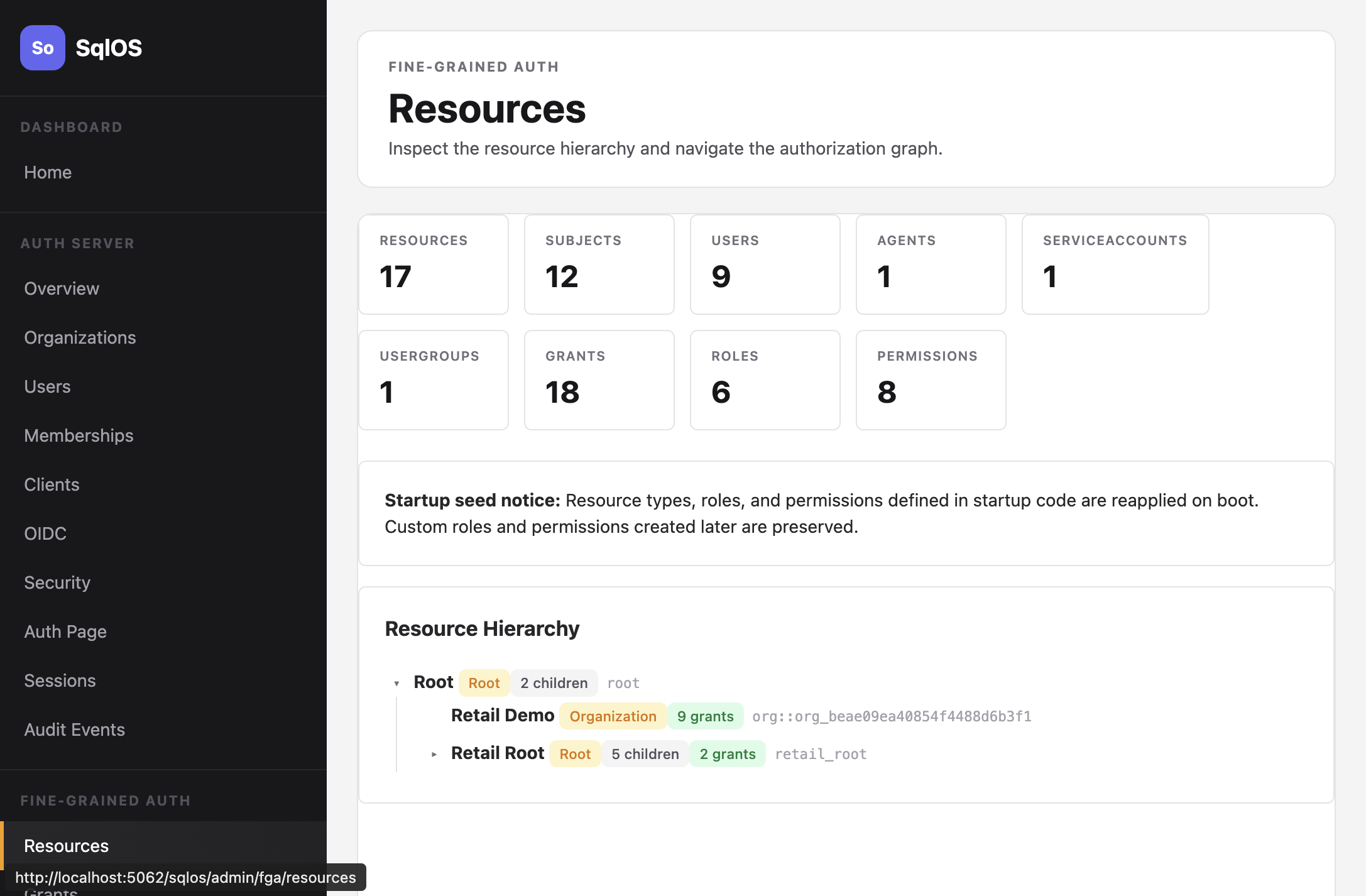
Browse the full resource tree with types, child counts, and grant counts. Expand nodes to see the hierarchy.
Grants
Path: Fine-Grained Auth > Grants
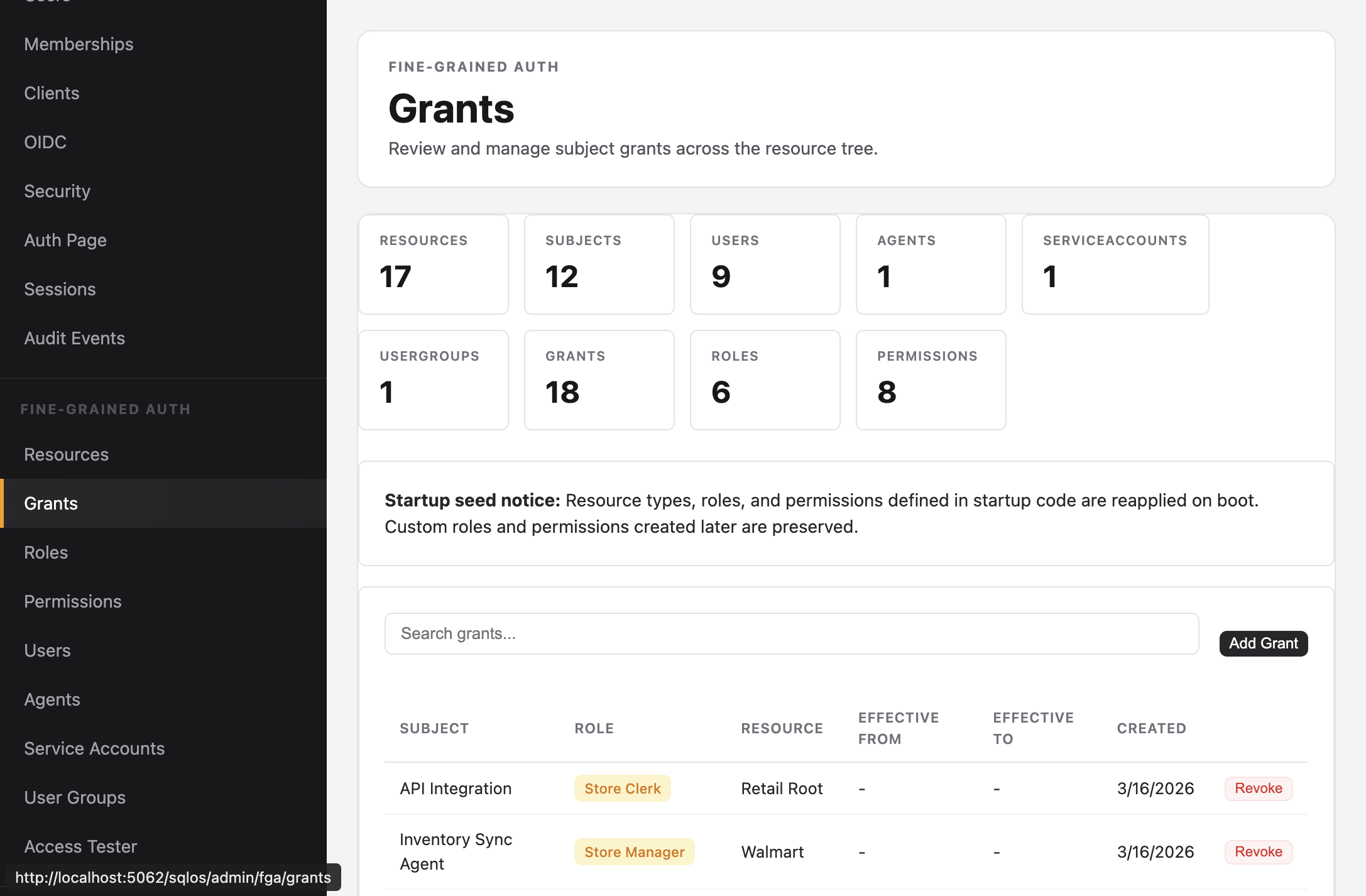
View all grants with subject, role, resource, and effective dates. Search and filter by subject or resource. Revoke grants directly.
Roles
Path: Fine-Grained Auth > Roles
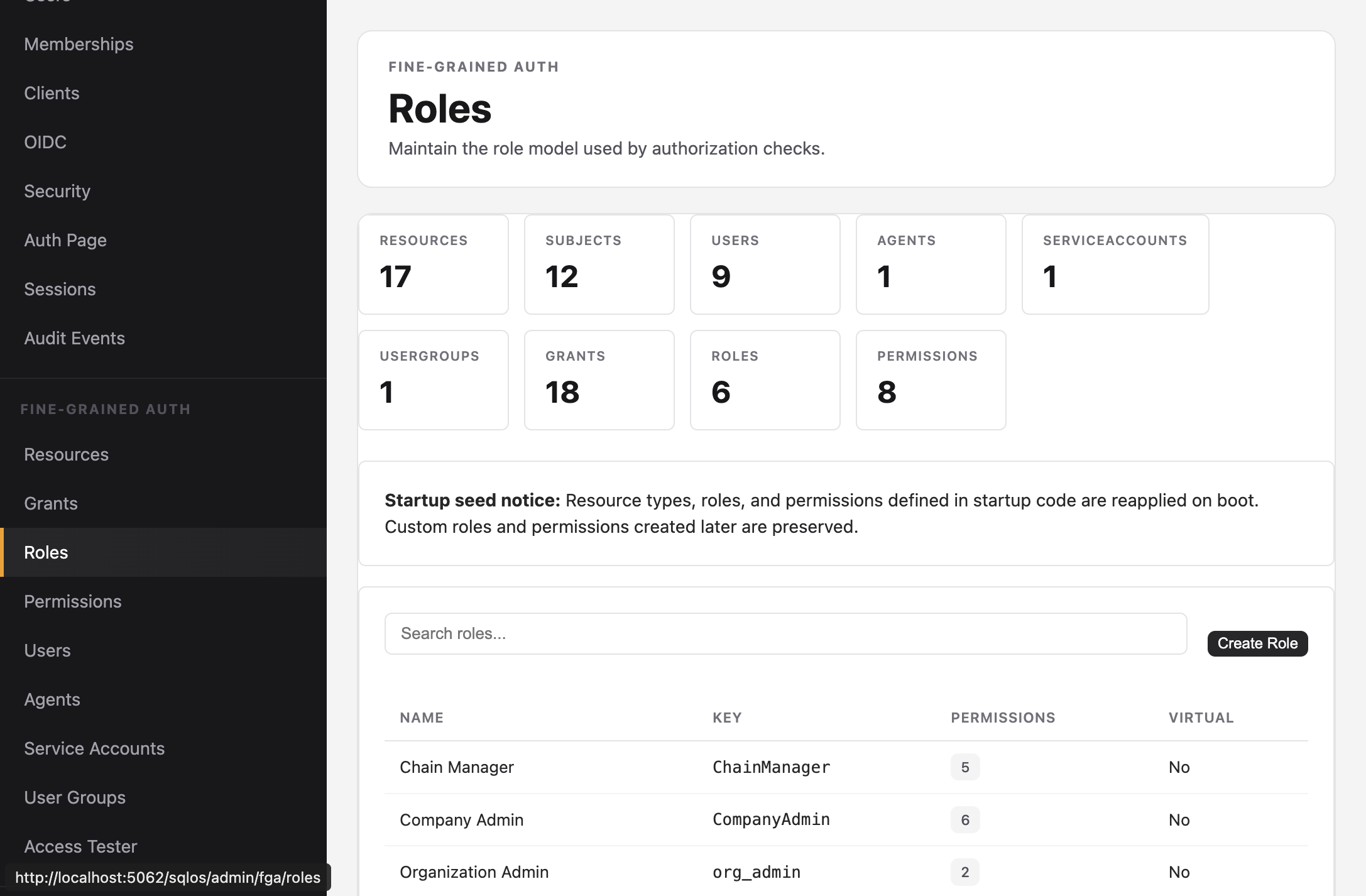
List all roles with their permission counts. Create new roles and link permissions.
Access Tester
Path: Fine-Grained Auth > Access Tester
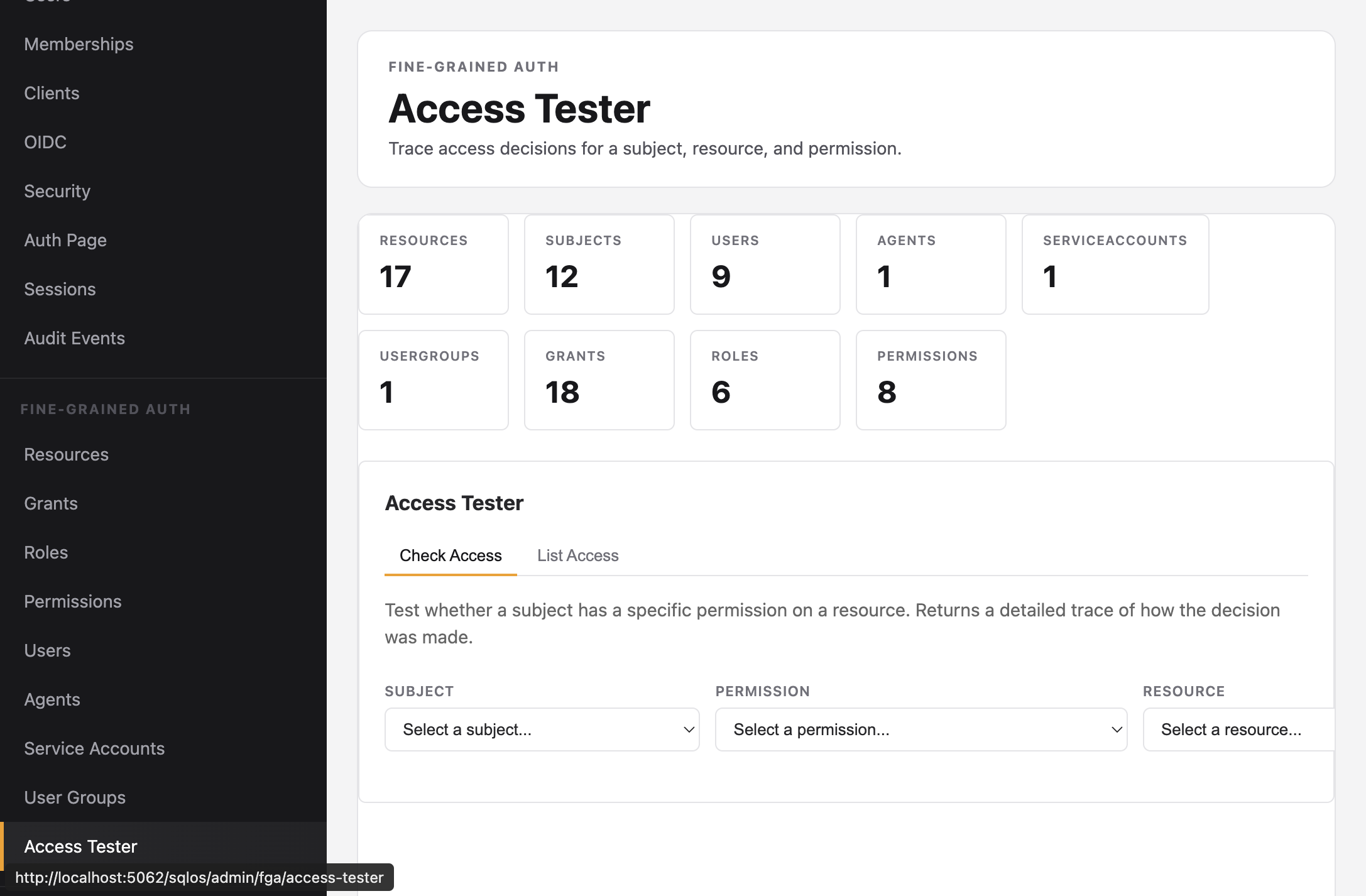
Test an access decision by selecting a subject, permission, and resource. The tester returns whether access is allowed and traces the decision path -- showing which grant on which ancestor resource provided the permission.
Two modes:
- Check Access -- test a specific subject + permission + resource combination
- List Access -- see all resources a subject can access with a given permission
Stats
Every FGA page shows aggregate counts:
| Stat | Description |
|---|---|
| Resources | Total nodes in the hierarchy |
| Subjects | Total users, agents, service accounts, groups |
| Grants | Active role assignments |
| Roles | Defined role types |
| Permissions | Defined permission keys |