Password Login
Authenticate users with email and password.
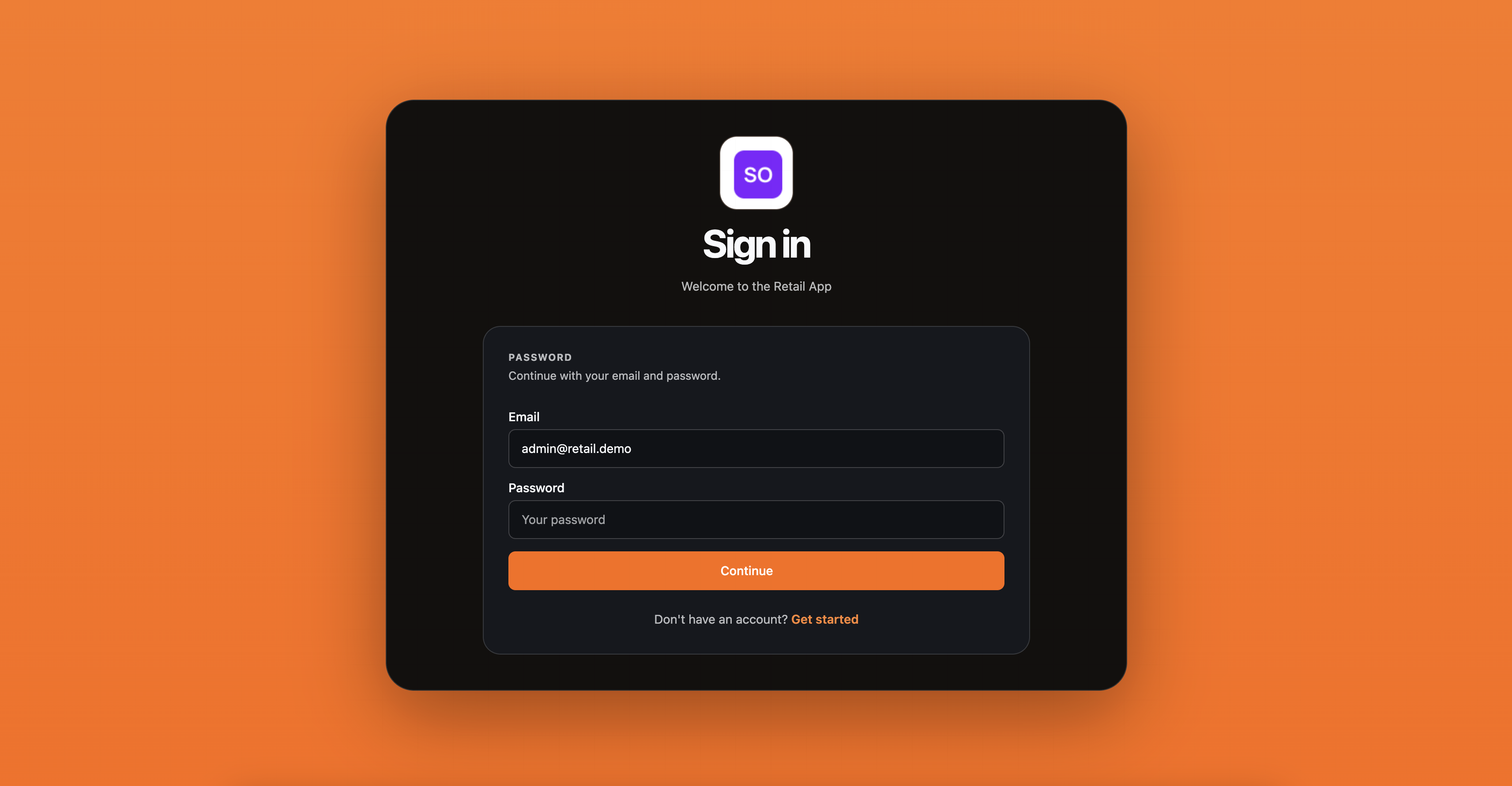
Password login authenticates a user by email and password. Before showing the password form, use home realm discovery to determine whether the user should authenticate via password or SSO.
Home realm discovery
Given an email address, discovery returns the login mode:
var discovery = await discoveryService.DiscoverAsync(
    new SqlOSHomeRealmDiscoveryRequest("user@acme.com"), ct);

// discovery.Mode → "password" or "sso"
| Mode | Meaning |
|---|---|
password | Email is not tied to an SSO org -- show password form |
sso | Email domain matches an org with SAML SSO -- redirect to IdP |
Frontend example (Next.js):
const res = await fetch("/api/v1/auth/discover", {
  method: "POST",
  body: JSON.stringify({ email }),
});
const { mode, organizationId } = await res.json();

if (mode === "sso") {
  // Start SSO flow
} else {
  // Show password input
}
Login flow
var result = await authService.LoginWithPasswordAsync(
    new SqlOSPasswordLoginRequest(email, password, clientId, organizationId: null),
    httpContext, ct);

if (result.RequiresOrganizationSelection)
{
    // User belongs to multiple orgs
    // Present result.Organizations, then:
    var tokens = await authService.SelectOrganizationAsync(
        new SqlOSSelectOrganizationRequest(result.PendingAuthToken, selectedOrgId),
        httpContext, ct);
}
else
{
    var accessToken = result.Tokens.AccessToken;
    var refreshToken = result.Tokens.RefreshToken;
}
Frontend integration
A typical frontend flow using the example API endpoints:
// 1. Discover login mode
const discover = await apiPost("/api/v1/auth/discover", { email });

// 2. Login with password
const login = await apiPost("/api/v1/auth/login", {
  email,
  password,
  organizationId: discover.organizationId,
});

if (login.requiresOrganizationSelection) {
  // Show org picker, then:
  const tokens = await apiPost("/api/v1/auth/select-organization", {
    pendingAuthToken: login.pendingAuthToken,
    organizationId: selectedOrgId,
  });
}

// 3. Store tokens
localStorage.setItem("access_token", login.accessToken);
Configuration
Disable password auth entirely:
options.UseAuthServer(auth =>
{
    auth.EnableLocalPasswordAuth = false;
});
Require verified email before password login:
auth.RequireVerifiedEmailForPasswordLogin = true;