FGA Overview
Hierarchical authorization for .NET apps with query-time filtering.
The FGA (Fine-Grained Authorization) module models your app's resources as a hierarchy. Grants assign roles to subjects on resources, and permissions inherit down the tree. Authorization integrates directly into EF Core queries, so filtered results come back from SQL Server -- not from application code.
How it works
Define resources (projects, chains, stores), roles (admin, viewer), and permissions (VIEW, EDIT). Grant a role to a user on a resource. Every descendant of that resource inherits the grant.
root
├── Acme Corp (Organization)          ← grant: jane / admin
│   ├── Walmart (Chain)               ← jane inherits CHAIN_VIEW, CHAIN_EDIT
│   │   ├── Store #001 (Location)     ← jane inherits LOCATION_VIEW
│   │   └── Store #002 (Location)     ← jane inherits LOCATION_VIEW
│   └── Target (Chain)                ← jane inherits CHAIN_VIEW, CHAIN_EDIT
└── Globex (Organization)
    └── Costco (Chain)                ← jane has NO access
Query-time filtering
The core feature. Instead of loading all records and filtering in memory, FGA pushes authorization into the SQL query:
var filter = await authService
    .GetAuthorizationFilterAsync<Chain>(subjectId, "CHAIN_VIEW");

var chains = await dbContext.Chains
    .Where(filter)
    .OrderBy(c => c.Name)
    .ToListAsync();
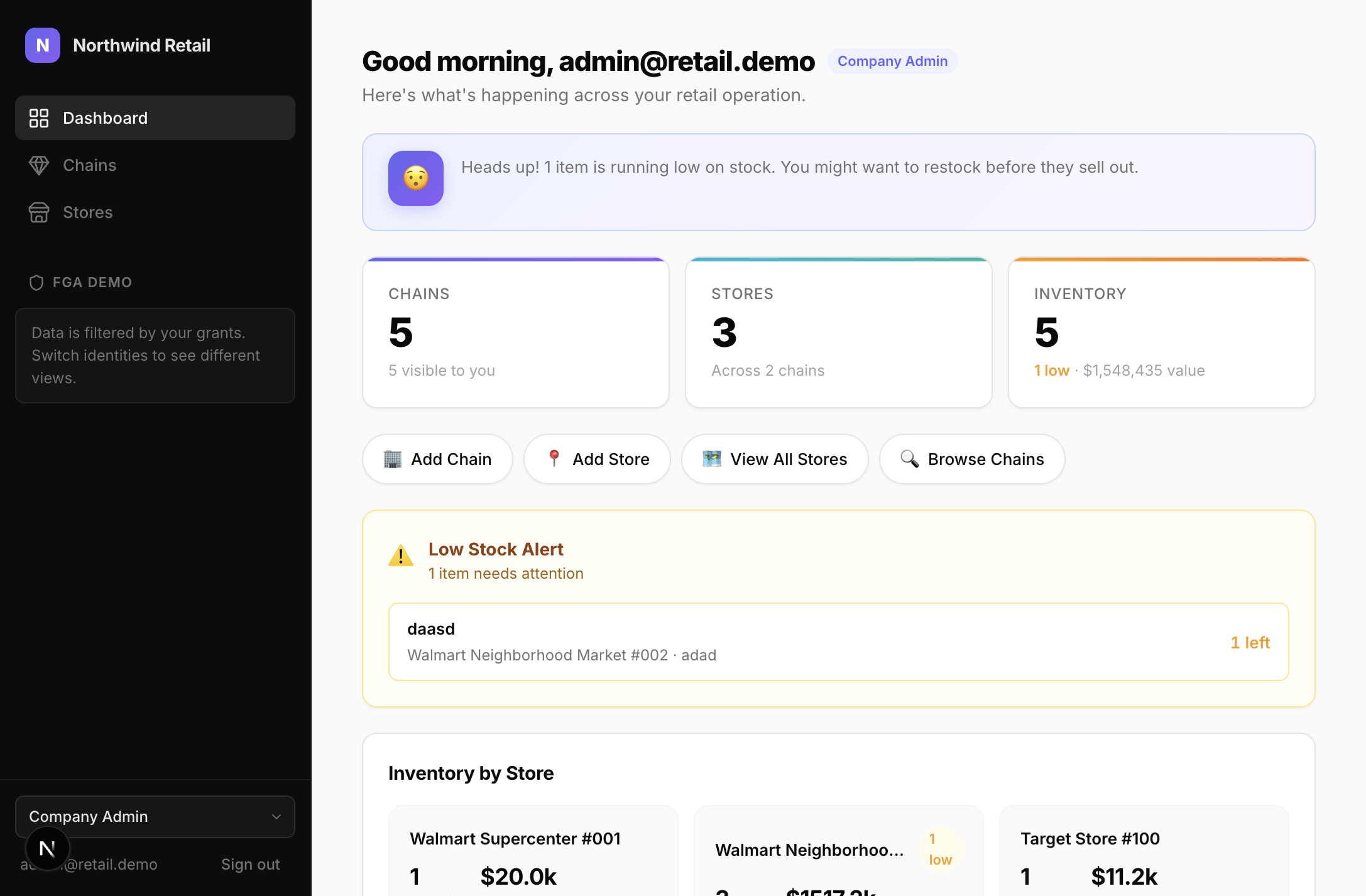
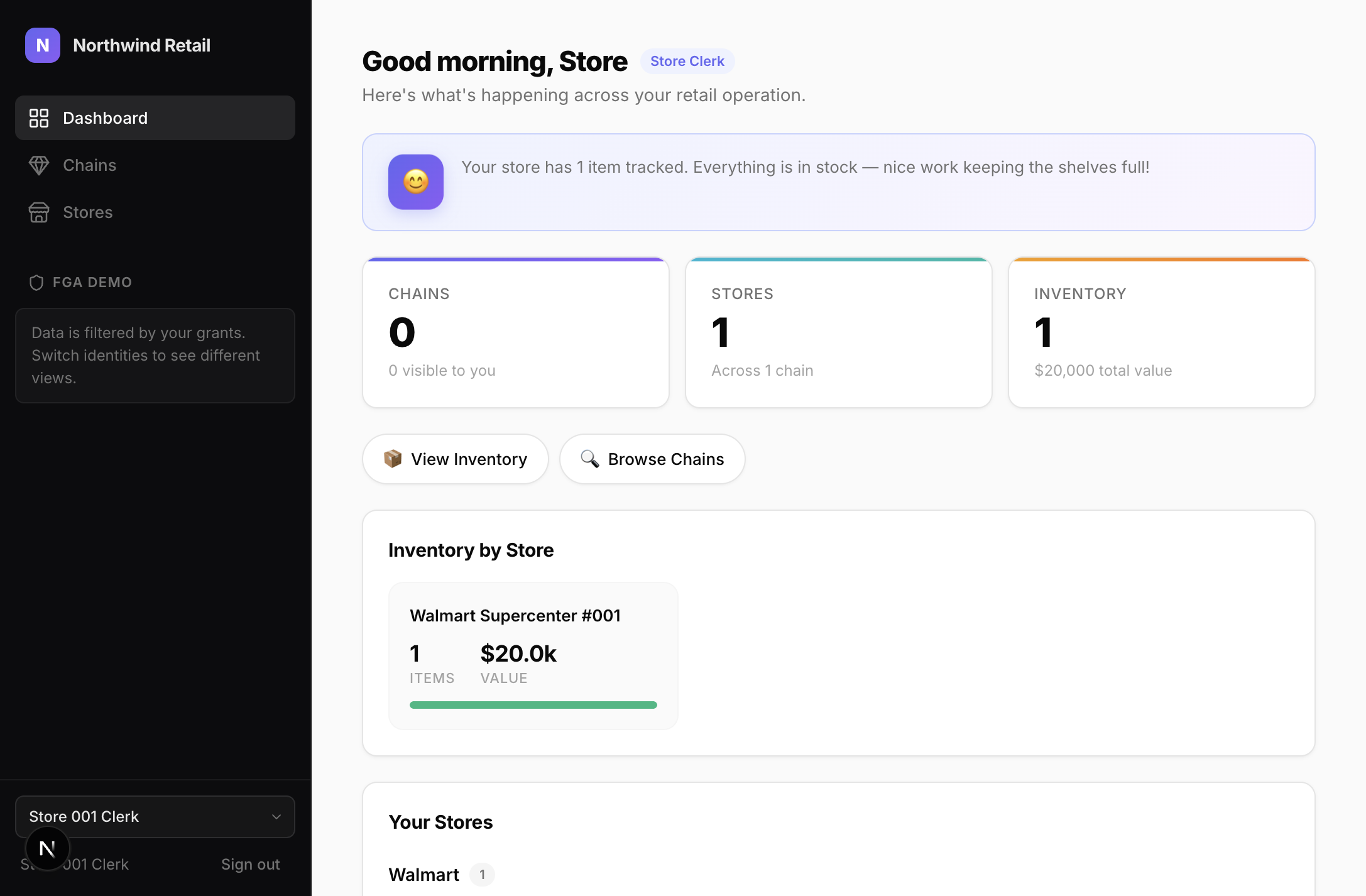
The user only sees chains they have access to. The filter translates to a SQL Server table-valued function call at query time.
Company Admin sees 5 chains:
Store Clerk sees 0 chains (only their store):
Point checks
For mutations, check a specific permission on a specific resource:
var access = await authService.CheckAccessAsync(subjectId, "CHAIN_EDIT", resourceId);

if (!access.Allowed)
    return Results.Json(new { error = "Permission denied" }, statusCode: 403);
Setup
builder.AddSqlOS<AppDbContext>(options =>
{
    options.UseFGA();
});

var app = builder.Build();
app.MapSqlOS();
Dashboard
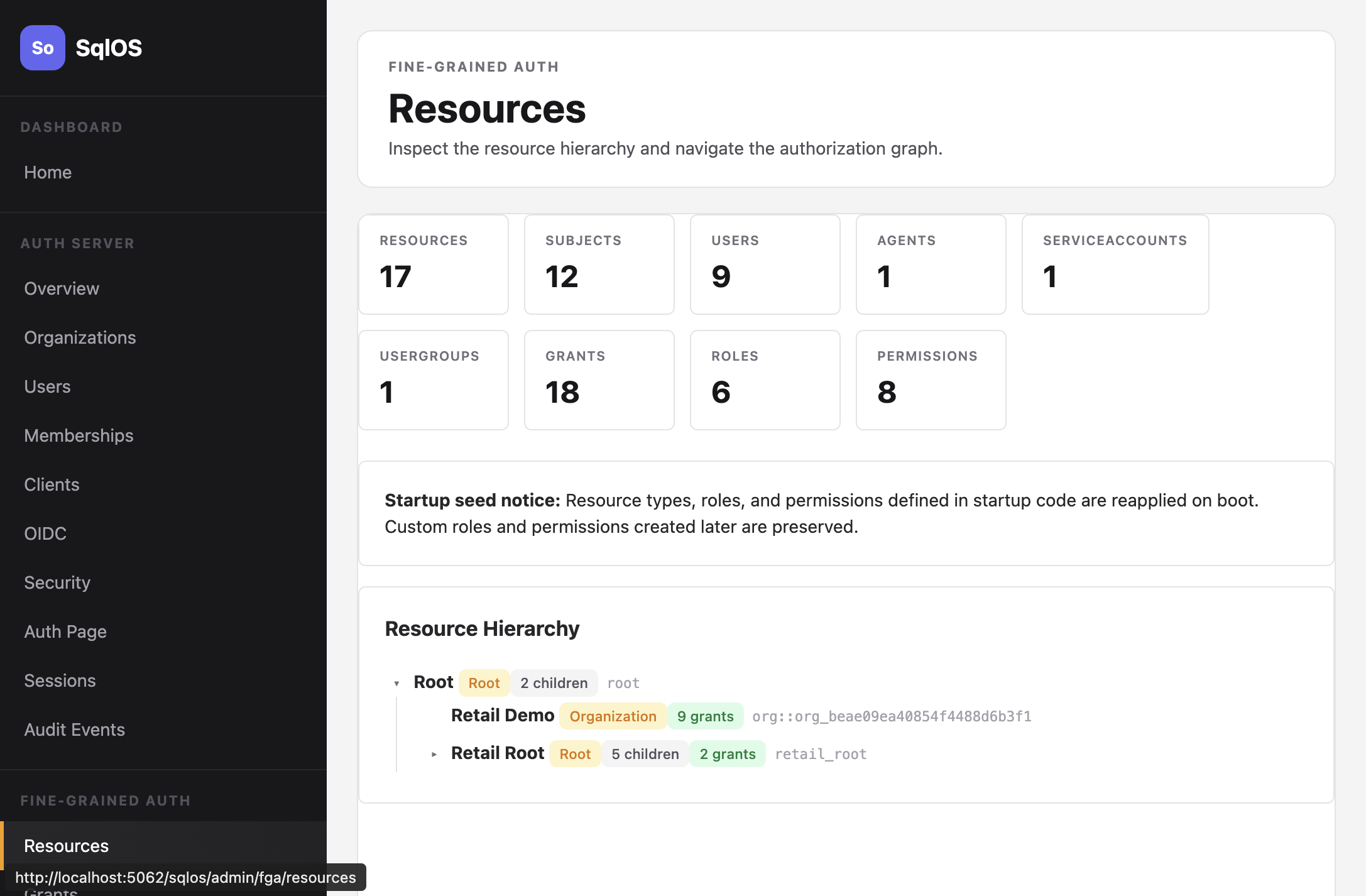
The FGA admin UI at /sqlos/admin/fga/ lets you browse the resource hierarchy, manage grants, define roles and permissions, and test access decisions.
Key concepts
| Concept | Description |
|---|---|
| Resource | A node in the hierarchy (org, project, store) |
| Subject | Who is being authorized (user, agent, service account) |
| Role | A named set of permissions (viewer, editor, admin) |
| Permission | A capability key (CHAIN_VIEW, INVENTORY_EDIT) |
| Grant | Links subject + role + resource; inherits downward |